Import contacts from a file or your phone
On this page
How to bring contacts into WrkLst from a file exported from your phone, your computer or another address book — choosing who comes in, and without creating duplicates. This article describes WrkLst 10.
What you can import
A contacts file in .vcf format (a vCard file), which is what a phone, a computer's contacts app or another address book exports. WrkLst reads every entry in it; nothing is created until you confirm.
Where to find it
Open Settings → Import and choose Open contact import under Contact import, or choose Import contacts straight from the Contacts screen.
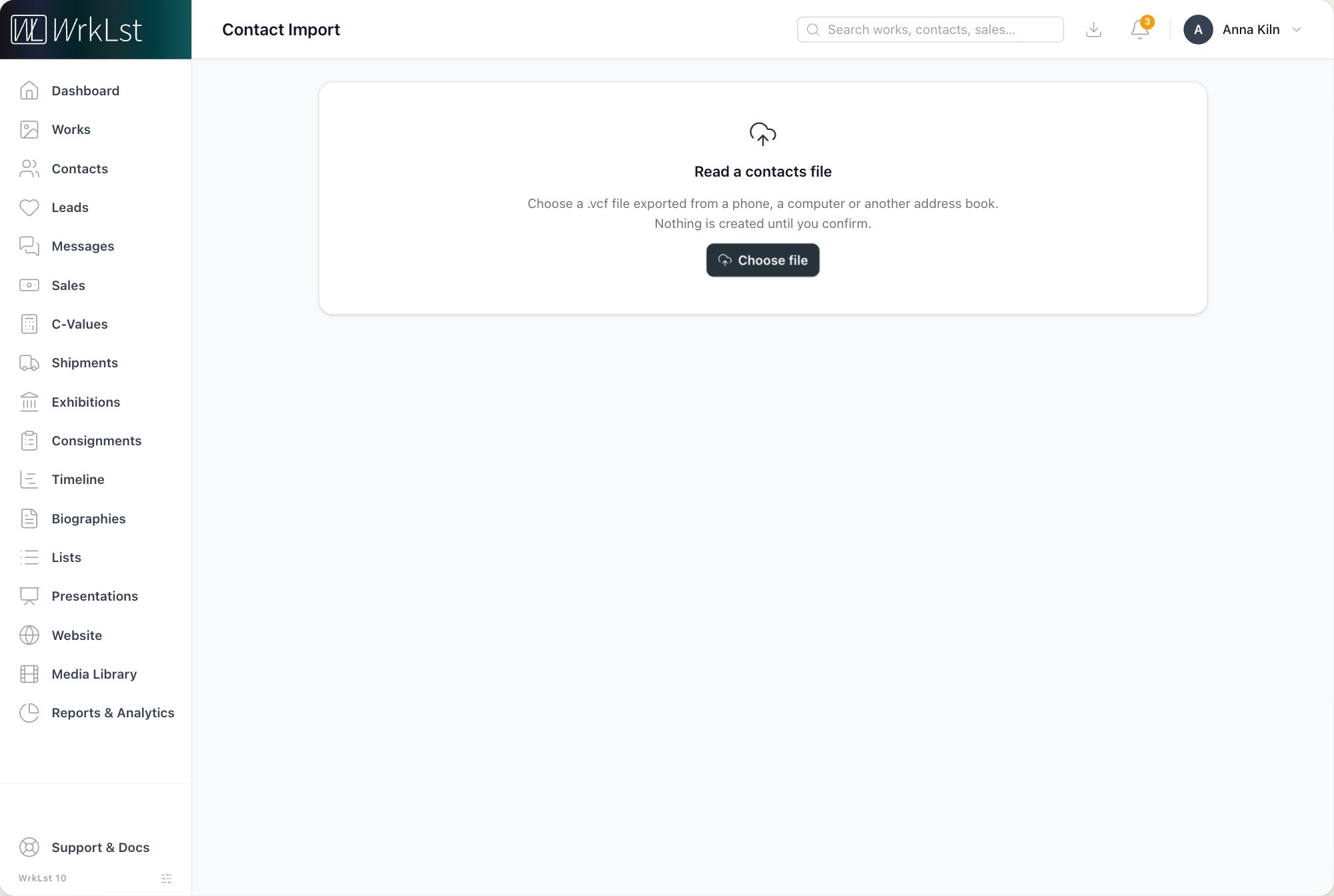
The contact import.
How an import runs
- Choose file and pick the .vcf file. WrkLst reads it and tells you how many entries it found: how many are new and how many are already here.
- The whole list appears before anything is created. Search it with Search contacts, and tick the people you actually want; Select all shown and Deselect all shown work on the current search result. Each entry says what will happen to it:
- New — a contact will be created.
- Already here as … — the person is already in WrkLst and is left out. If their card carries nothing you do not have yet, it says Nothing new.
- Can be merged — the person is already in WrkLst, but their card carries something your record lacks: a second phone number, an email address, a postal address. The entry says exactly what it adds — for example adds 1 phone number, adds 1 link or adds “Business name”.
- Choose Import selected. WrkLst reports how many contacts were created and how many were merged, and Go to contacts takes you to them. If an email address on an imported card belongs to someone who asked not to be contacted, that contact is marked Don't reach out, and the report says how many were.
Duplicates and missing details
Anyone already in WrkLst is recognised and left out, so an import never doubles your address book. WrkLst looks for the person by email address first, then by phone number, then by name. Where an imported card holds a detail missing from the existing contact, WrkLst can add just that: phone numbers, email addresses, web links and postal addresses it does not have yet, and the last name, first name, title, company, synonym or birthday where the contact's field is still empty. It never changes what is already there. The import does not fill the Imported data section of a contact; what it adds lands in the contact's own fields.
Larger imports
If your contacts live in a spreadsheet or in another software's export, the WrkLst team helps you move them over — contact support@wrklst.art. Works are imported separately; see Automatic Import: let AI do the data entry.