Videos
Short tours of WrkLst, one for each area, each with its transcript.
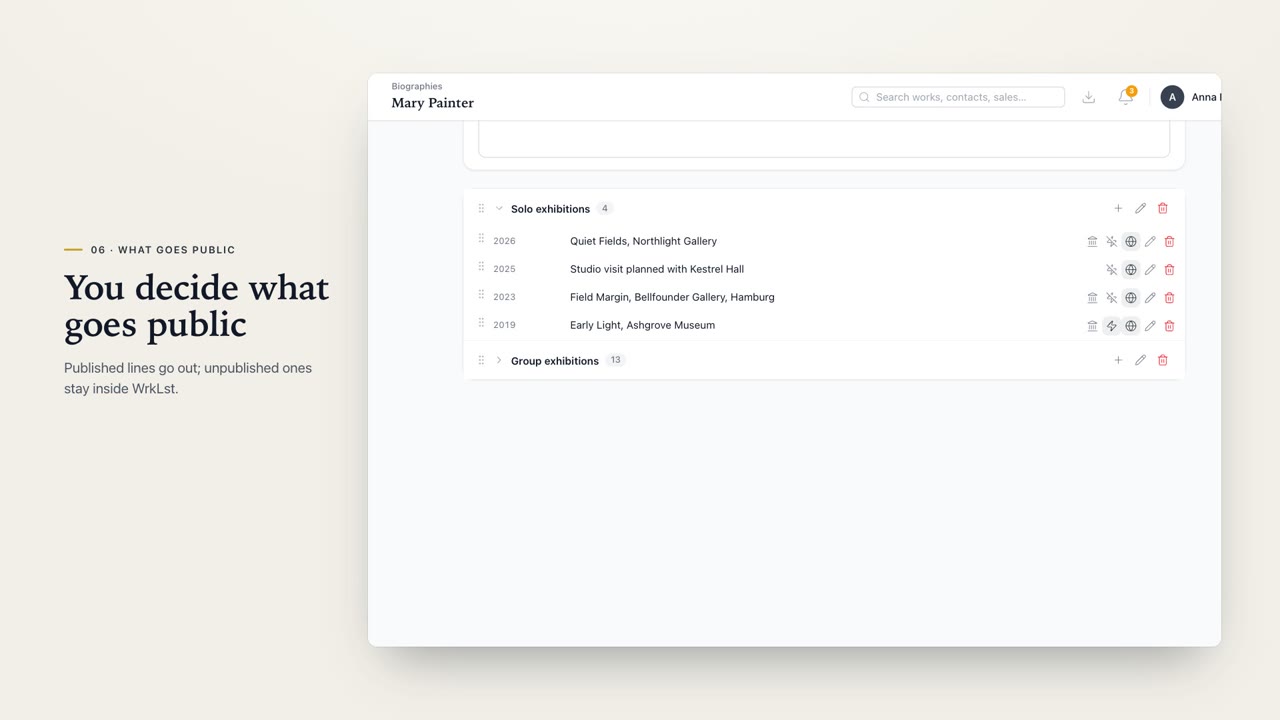 Biographies2:48The WrkLst Biographies. Every artist's CV in one place: change a line once, and it's right everywhere, in your documents and on your website.
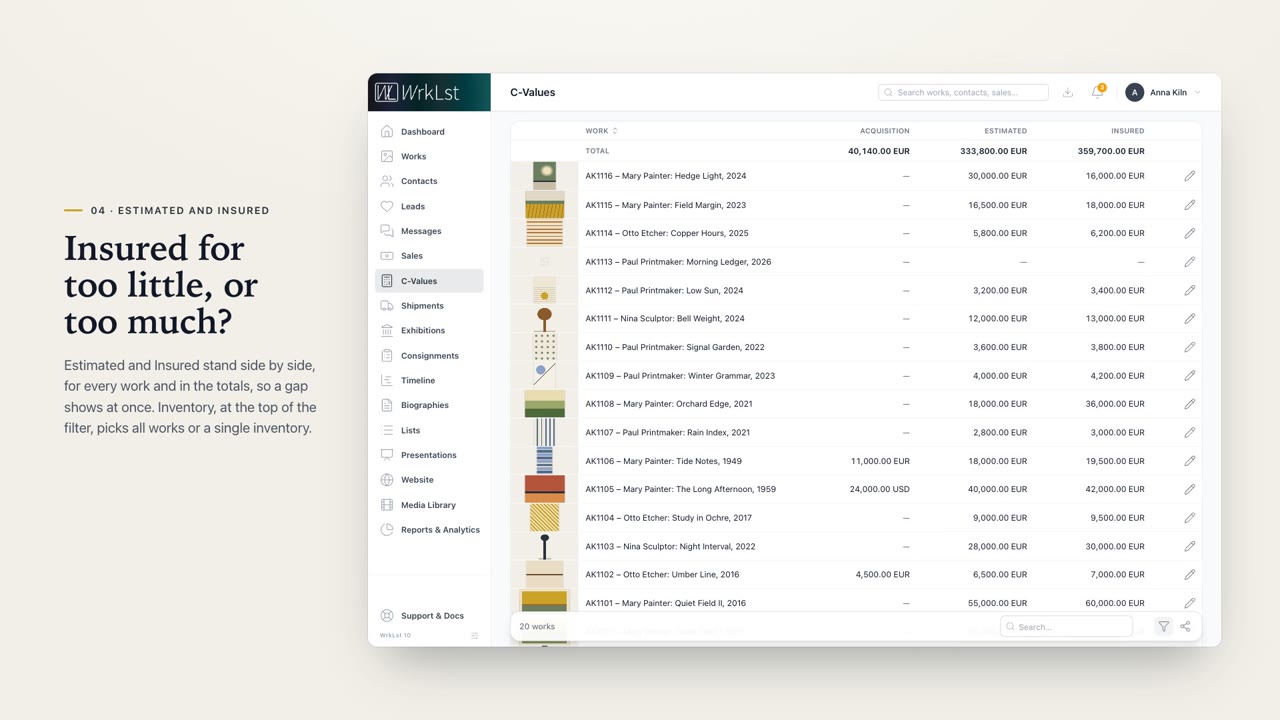 Collection Values3:01Collection Values in WrkLst, or C-Values for short. See what your collection cost, what it's estimated at, and what it's insured for.
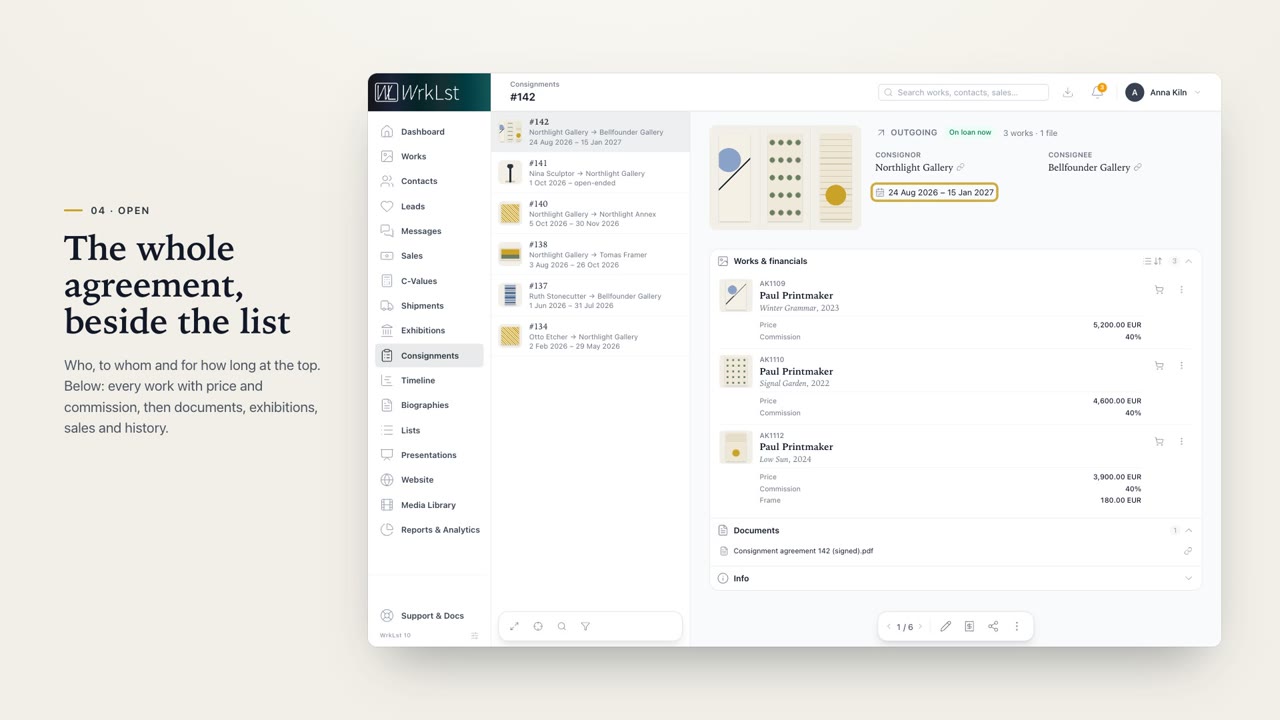 Consignments2:42Consignments in WrkLst. Whether you send works out or take them in, you see who has them, on what terms, and until when.
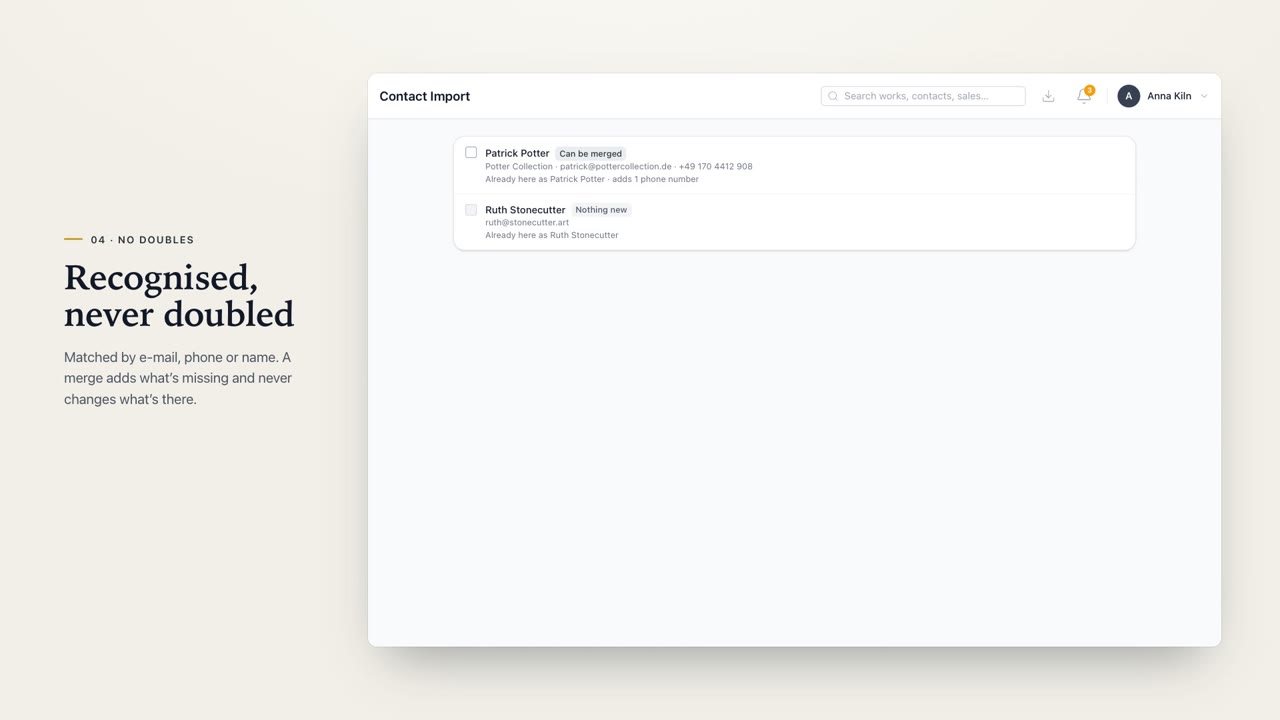 Contact import & sync3:06Contact import and sync in WrkLst. Bring in the people from your phone without doubling anyone, and carry your WrkLst contacts on every device you use.
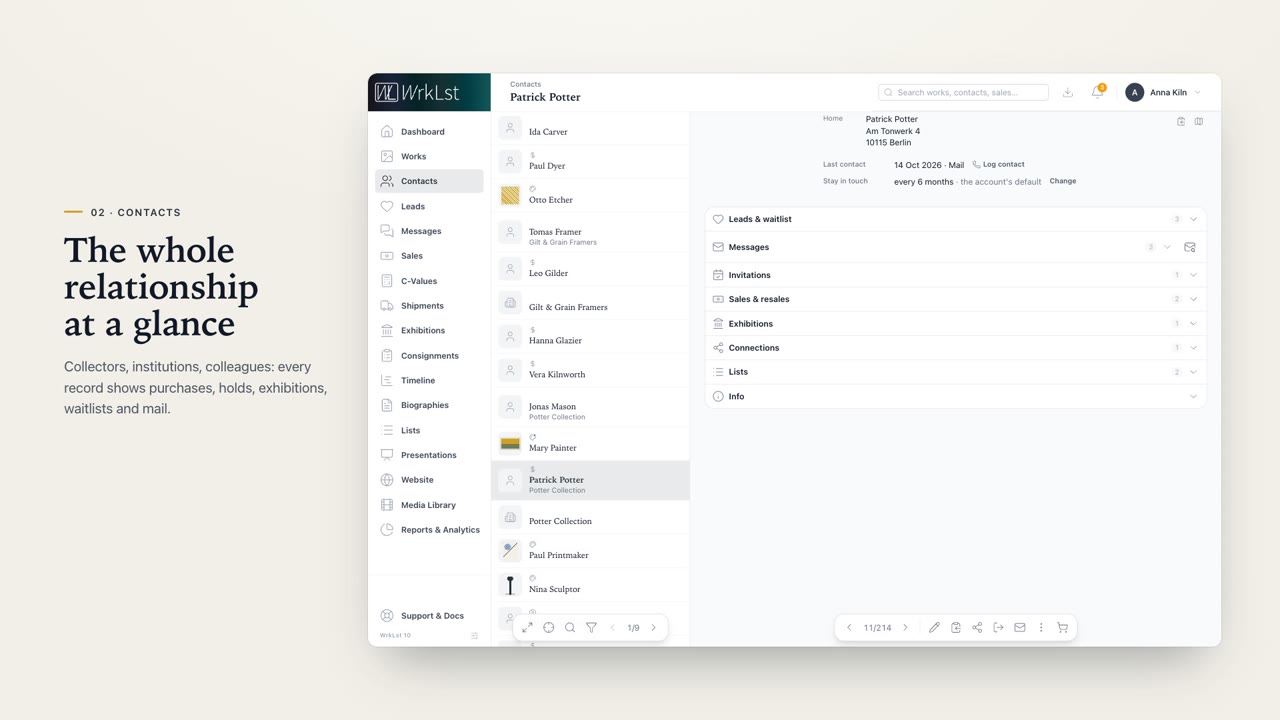
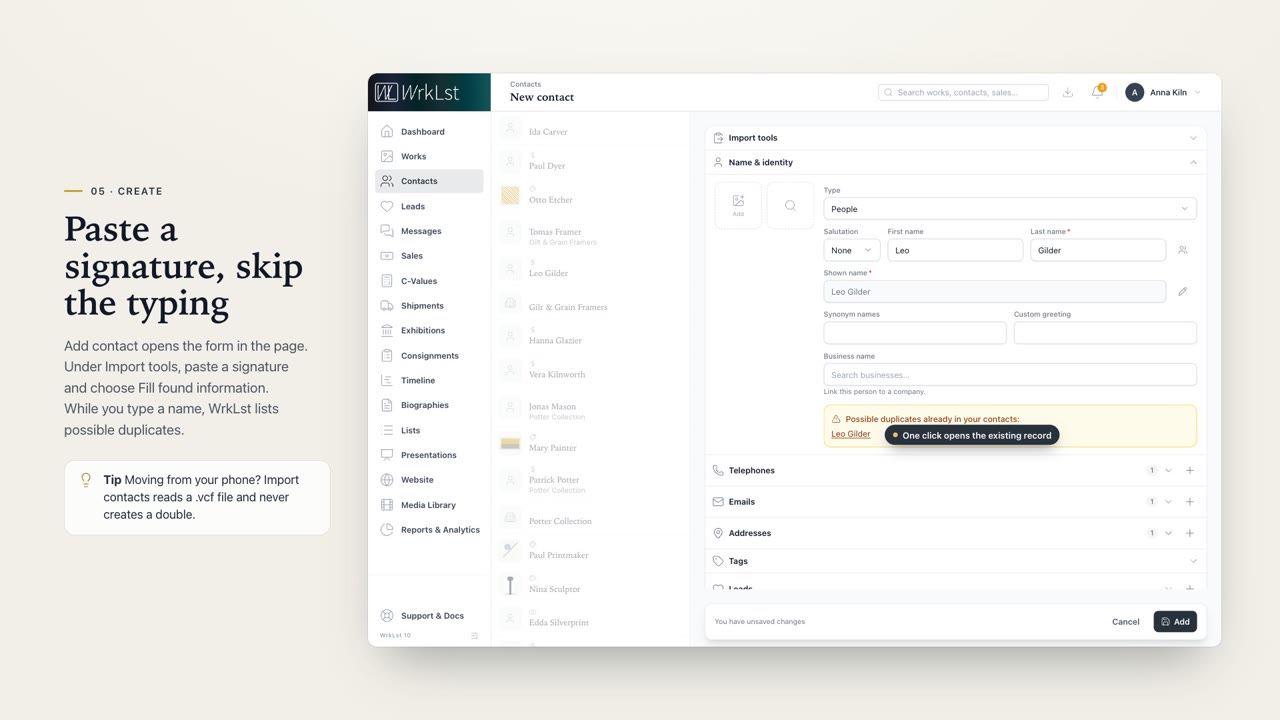 Contacts2:47WrkLst Contacts. Everyone you work with, and all you share, in one place.
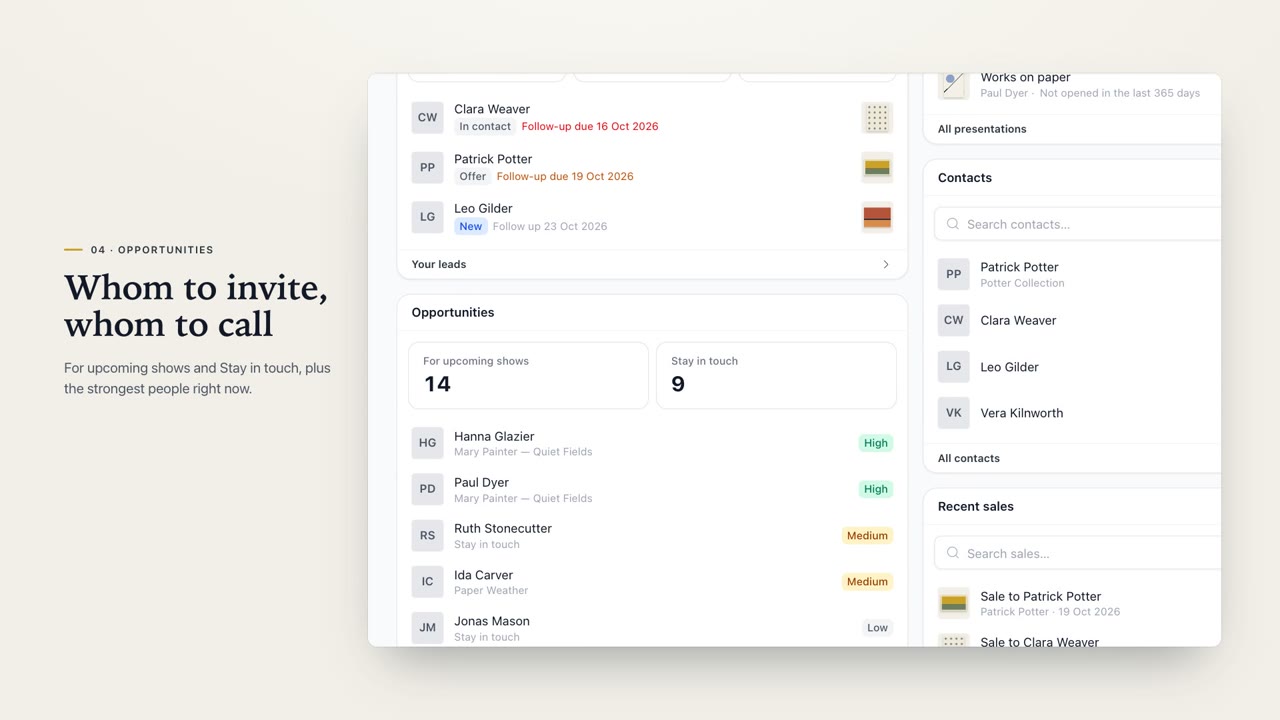 Dashboard2:52The Dashboard in WrkLst. Everything that needs you today, on one screen, the moment you sign in. And you decide what goes on it, tile by tile.
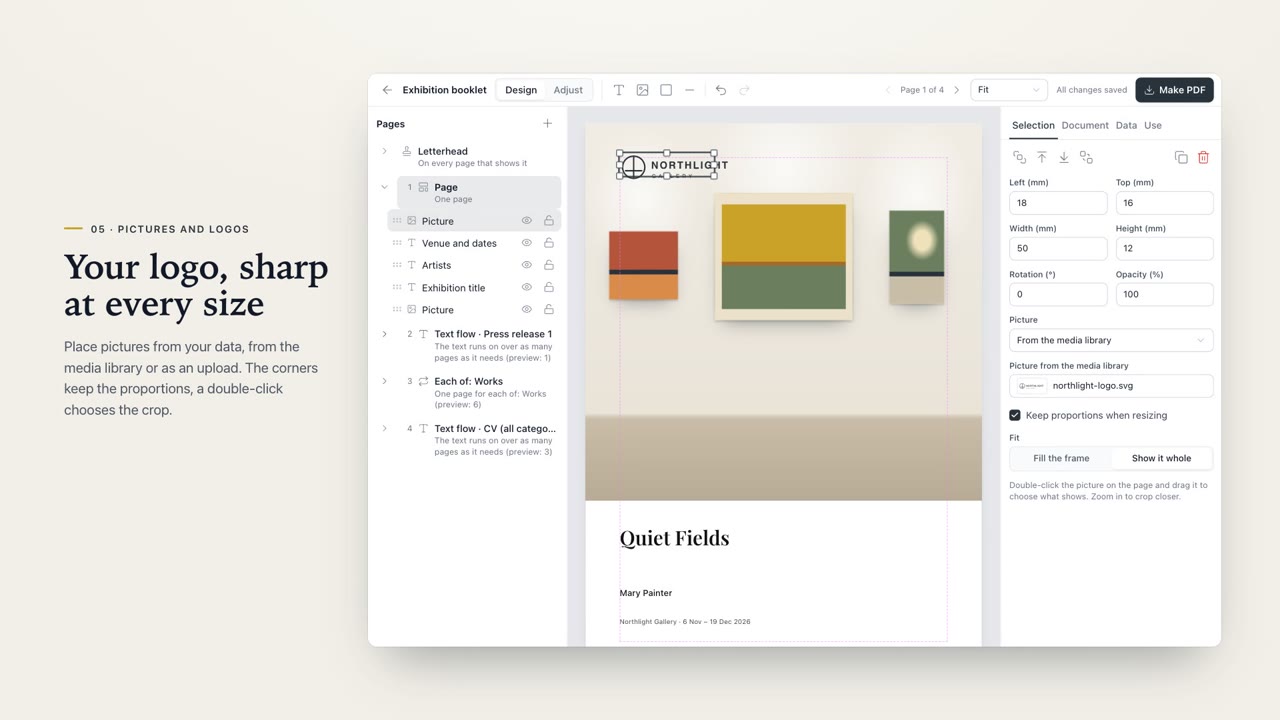 Document designer2:58The document designer, in WrkLst. Lay out a catalogue, tear sheets or an artist's CV once, and make it a PDF for every exhibition, filled with your own data.
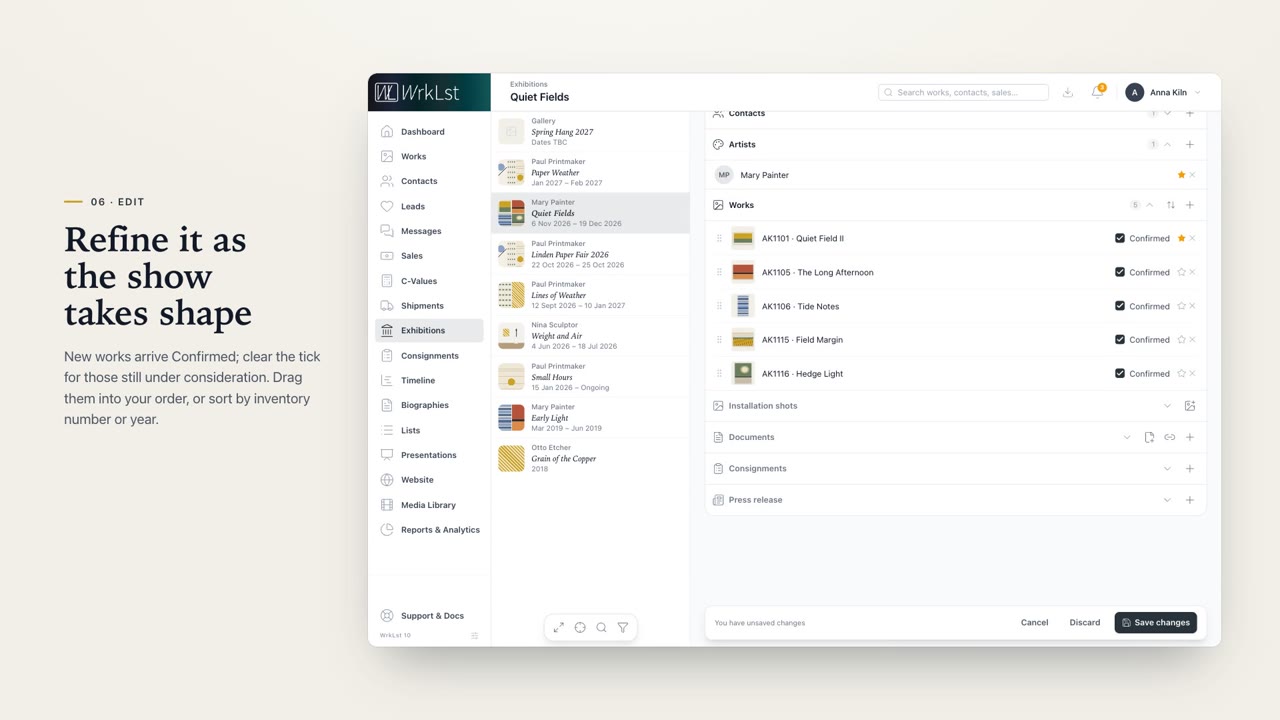 Exhibitions2:48Exhibitions in WrkLst. Every show in one place, from the first checklist to the sales report and the costs.
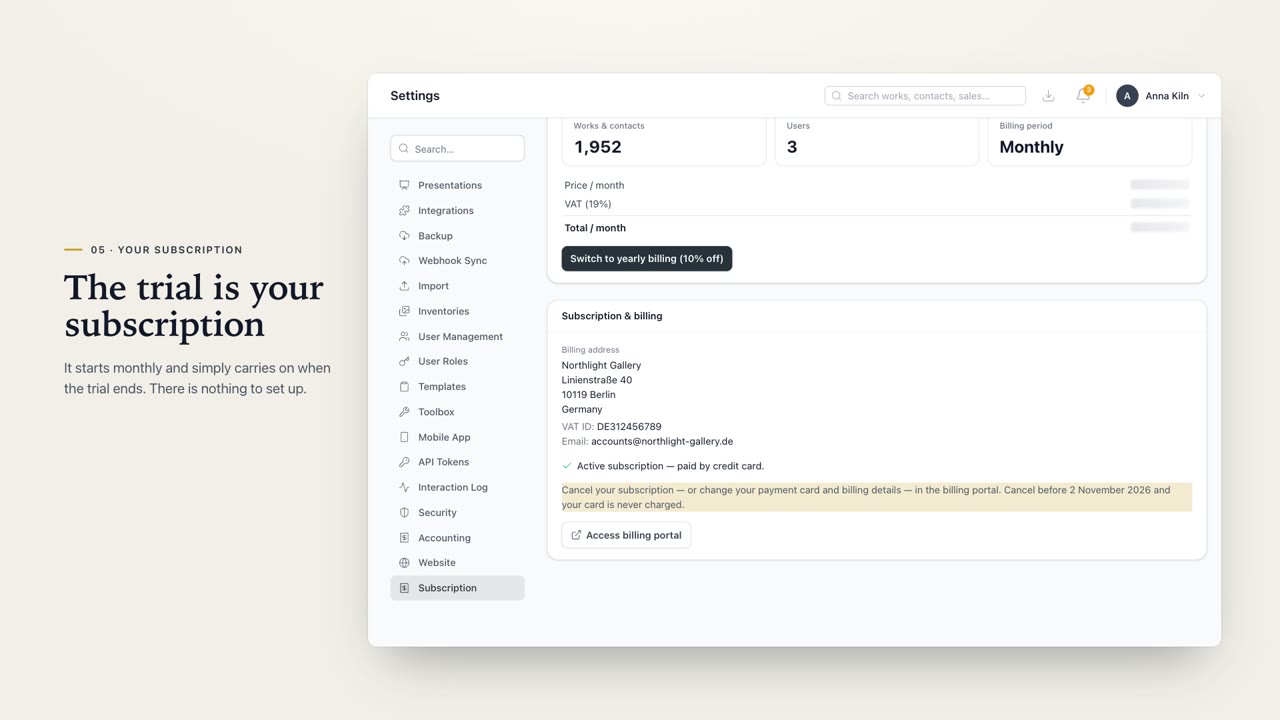 Getting started & subscription3:11Getting started with WrkLst. Open your account, take the first three steps, and keep your subscription in plain view, from the free trial to every invoice, and to cancelling, if it ever comes to that.
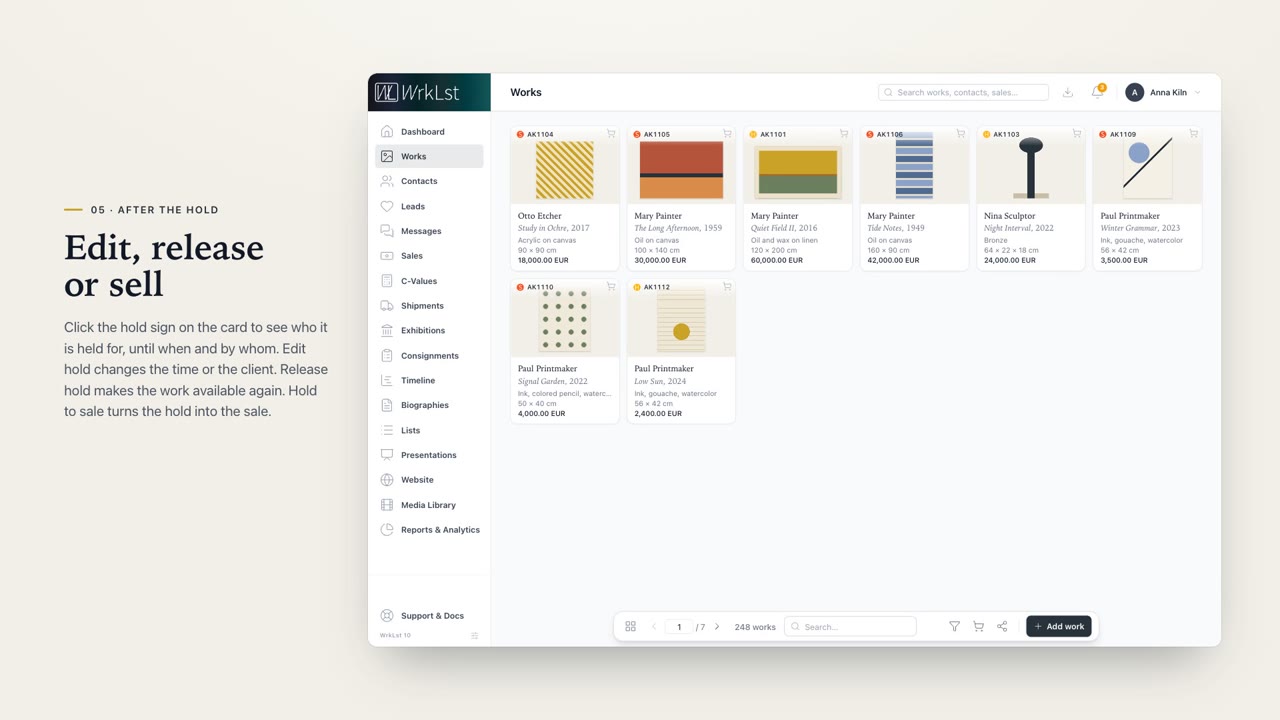 Holds & Sales2:49Holds and Sales in WrkLst. Reserve a work for a client, turn the hold into a sale, and know what's been paid.
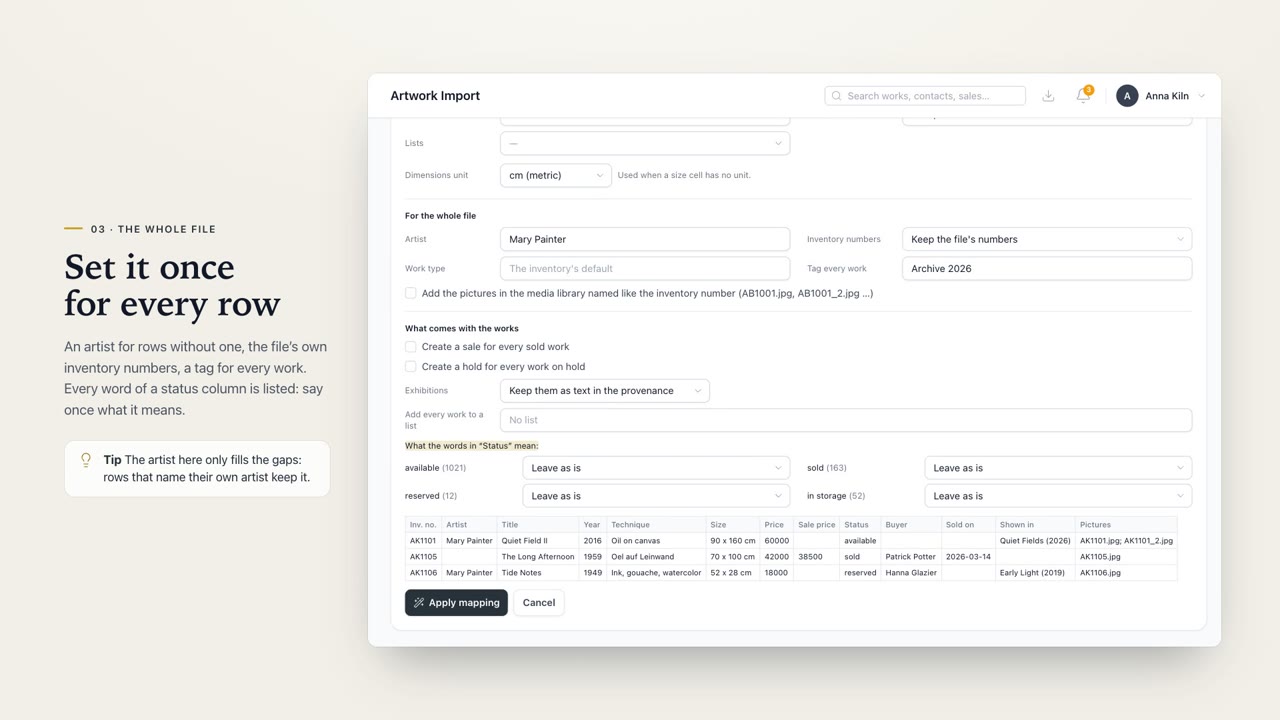 Importing works2:48Importing works in WrkLst. Bring in a spreadsheet of any length, update the works you already have, and let sales, exhibitions and lists come along, all checked before anything is saved.
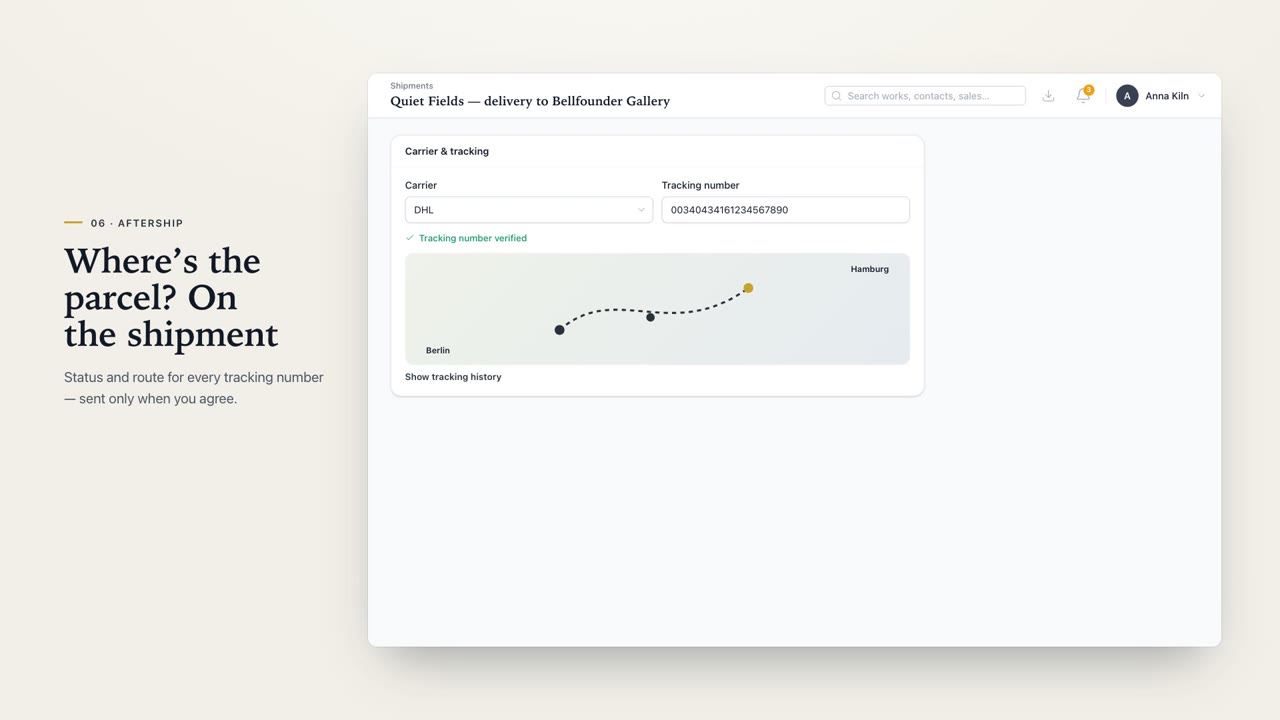 Integrations3:38Integrations in WrkLst. Connect the services you already use, from newsletters and bookkeeping to card payments, parcel tracking, your calendar and your own software.
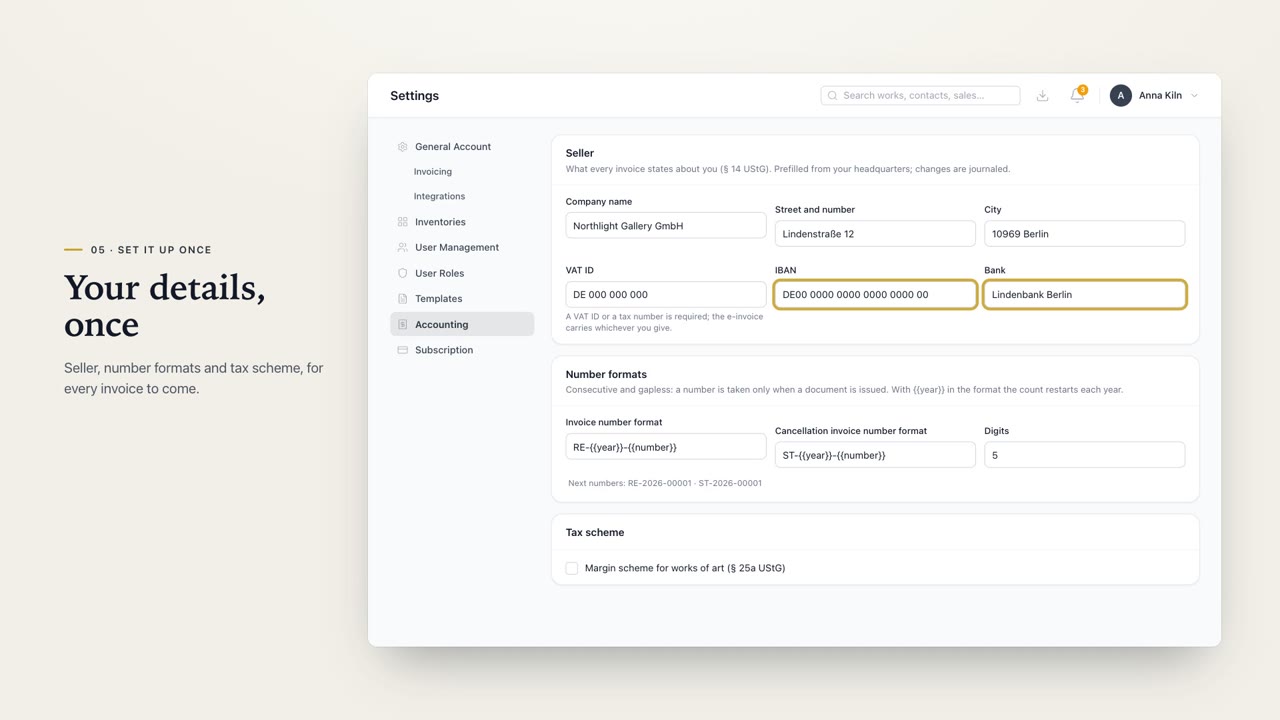 Invoices3:13Invoices in WrkLst. A document on your own letterhead for every sale, and when your books demand it, numbered invoices that can never be changed.
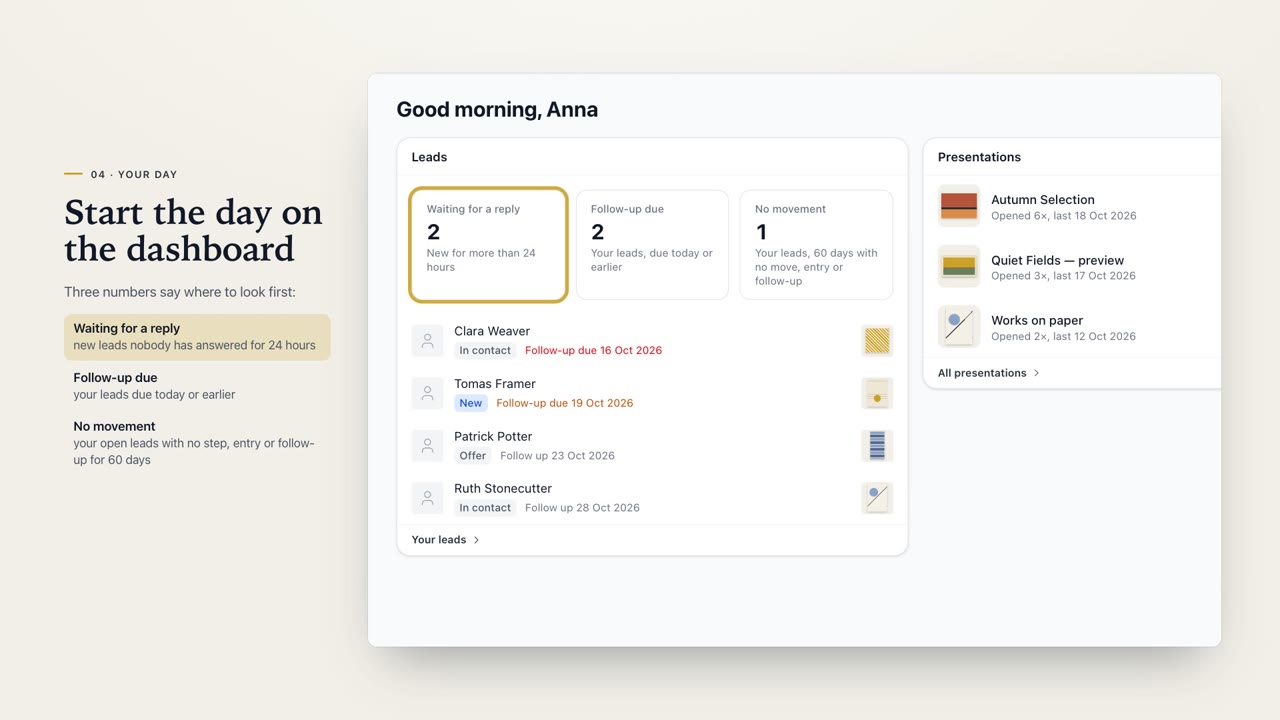 Leads & Opportunities2:25Leads and Opportunities in WrkLst. From the first enquiry to the sale, and who to call next.
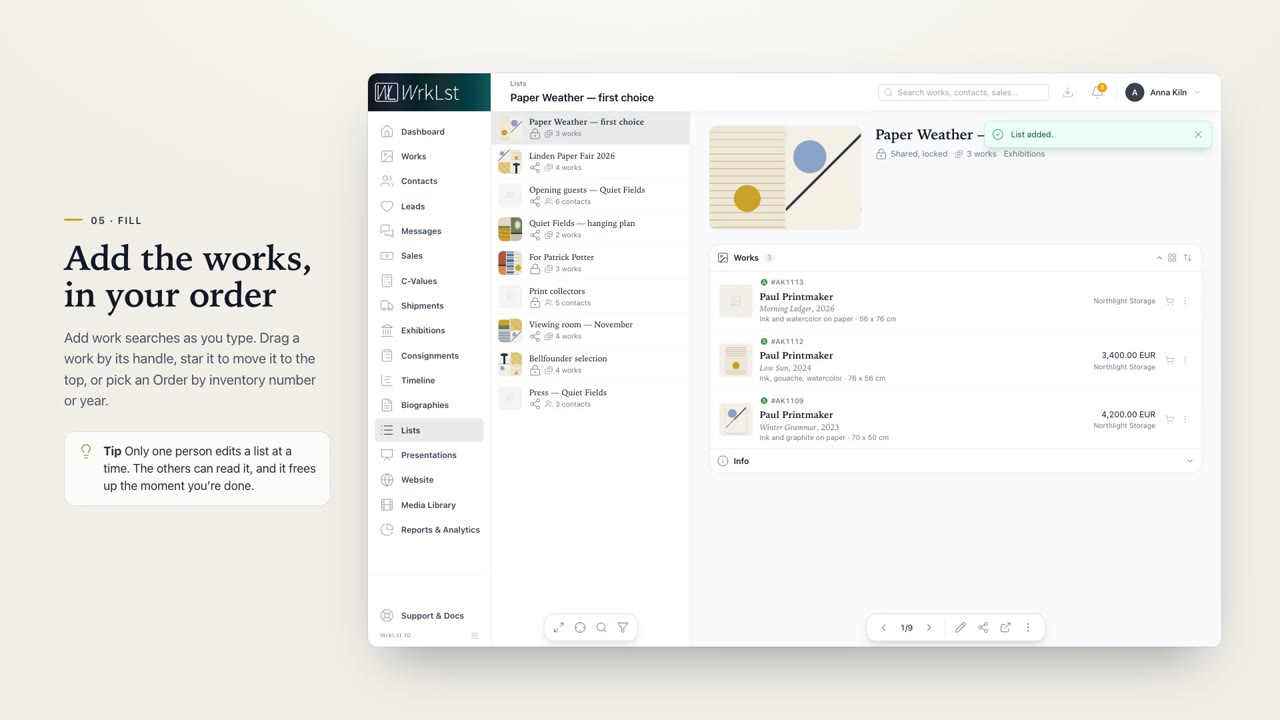 Lists2:42Lists in WrkLst. Build a selection once, and use it again wherever you need it.
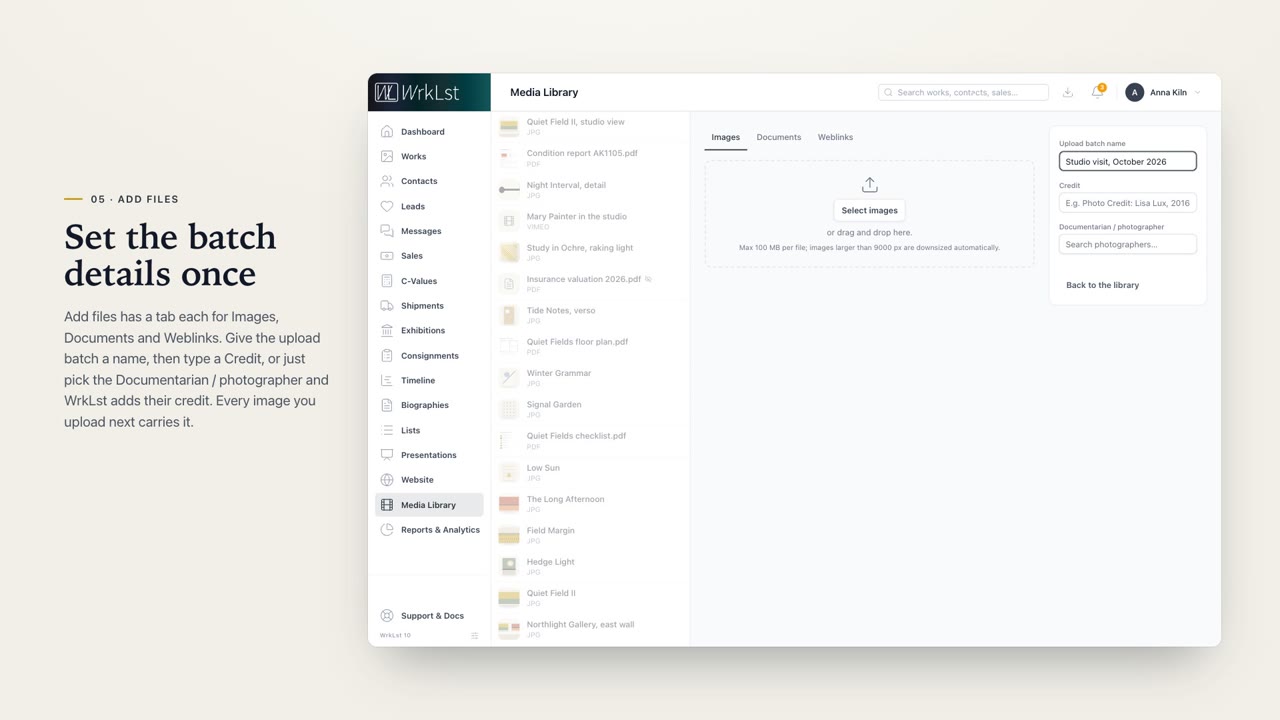 Media Library2:51The WrkLst Media Library. Every image, document and link in one place, and you see which works they belong to.
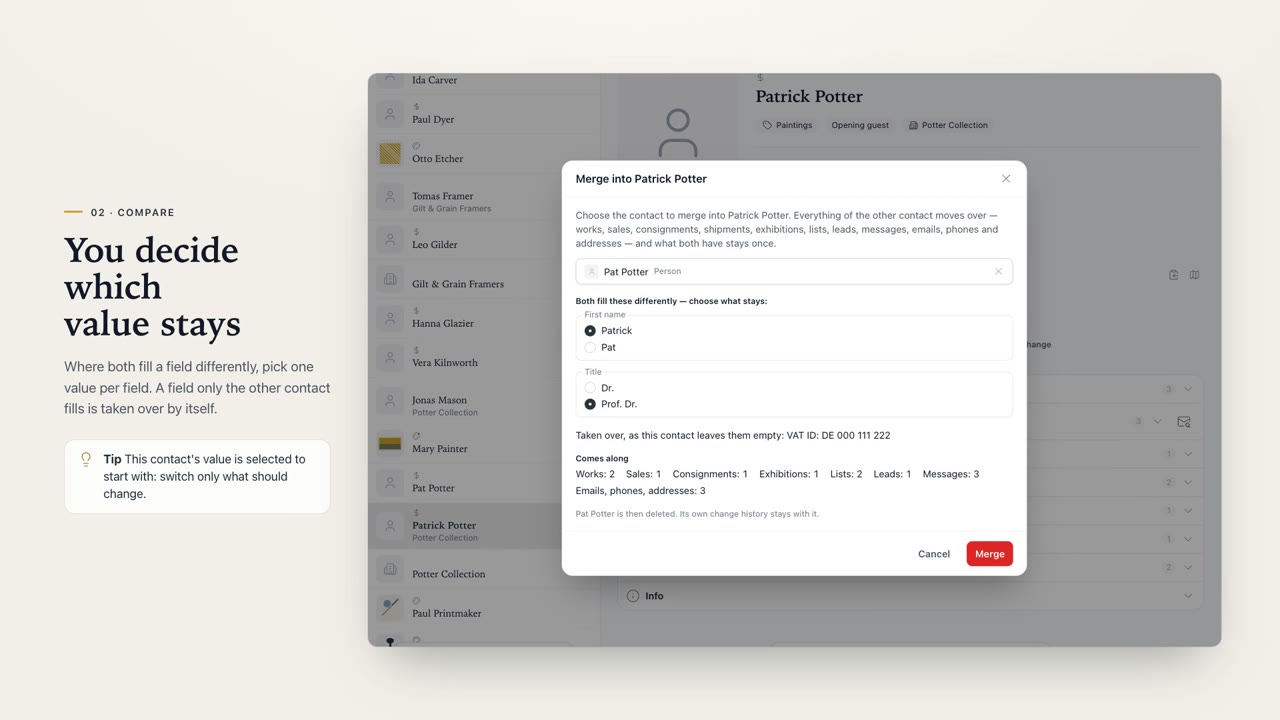 Merging contacts1:17Merging contacts in WrkLst. When the same person or company is in your contacts twice, make the two one, with everything that belongs to either.
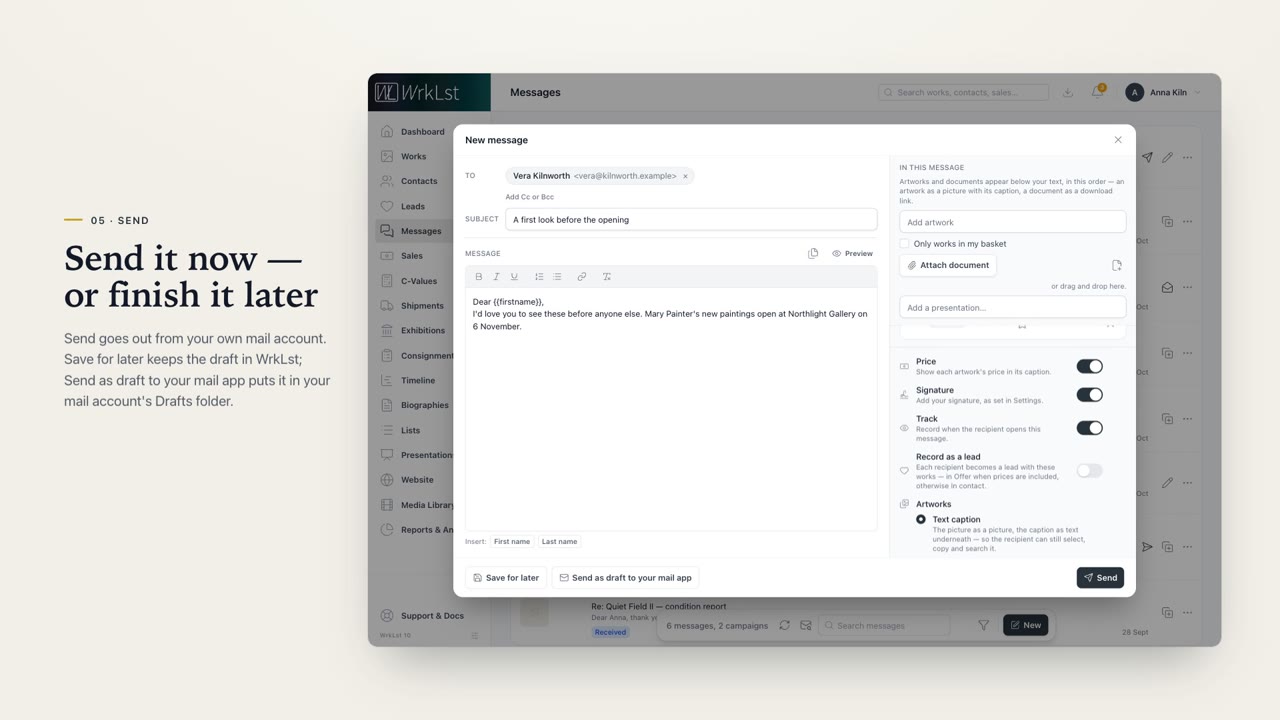 Messages2:59Messages in WrkLst. Write to one person or to many, from your own address, with your works right in the letter.
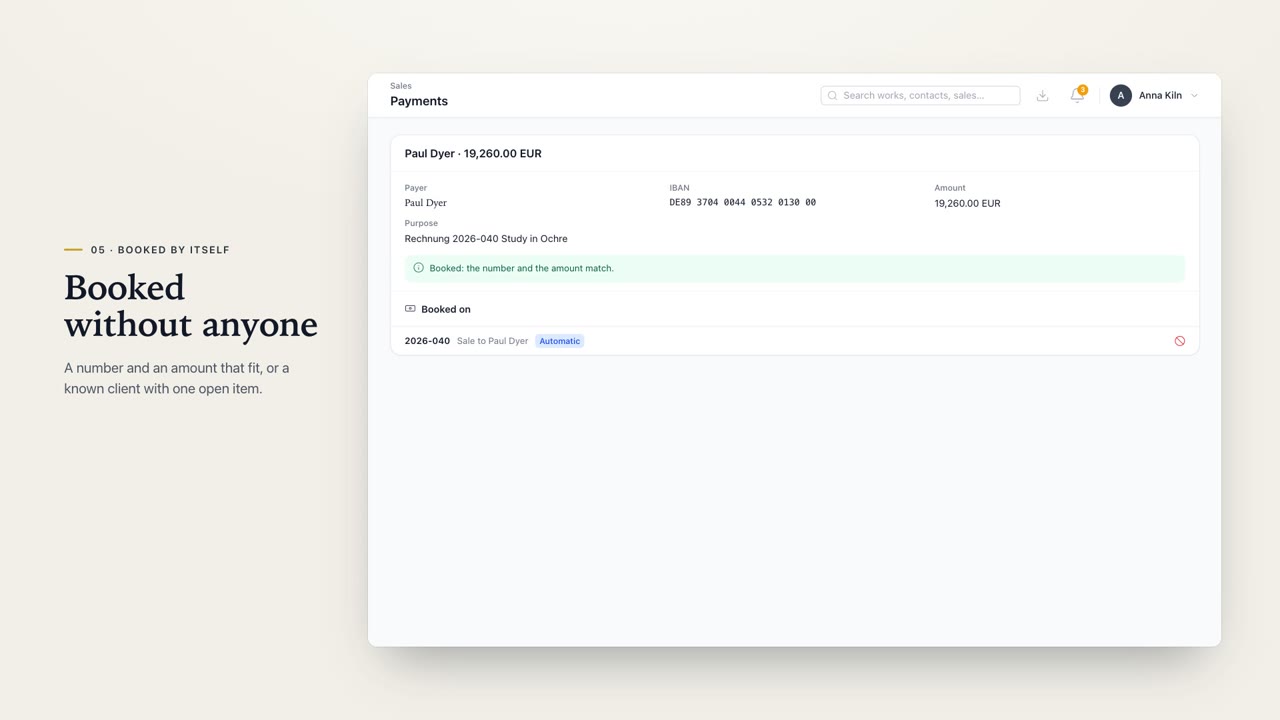 Payments3:07Payments in WrkLst. Every incoming payment, from your bank, Stripe, Shopify and QuickBooks, in one place, and mostly booked on the right sale by itself.
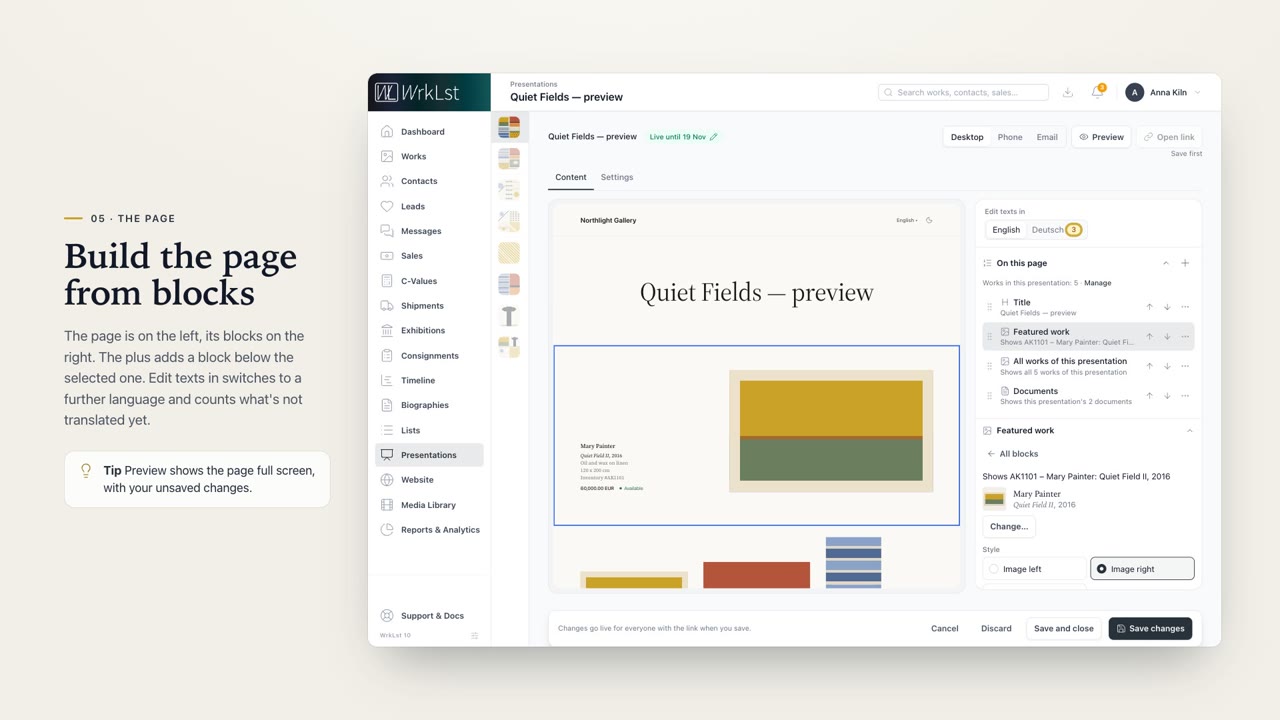 Presentations2:57Presentations in WrkLst. A private viewing room for each client, with exactly the details you choose. And you see what they looked at.
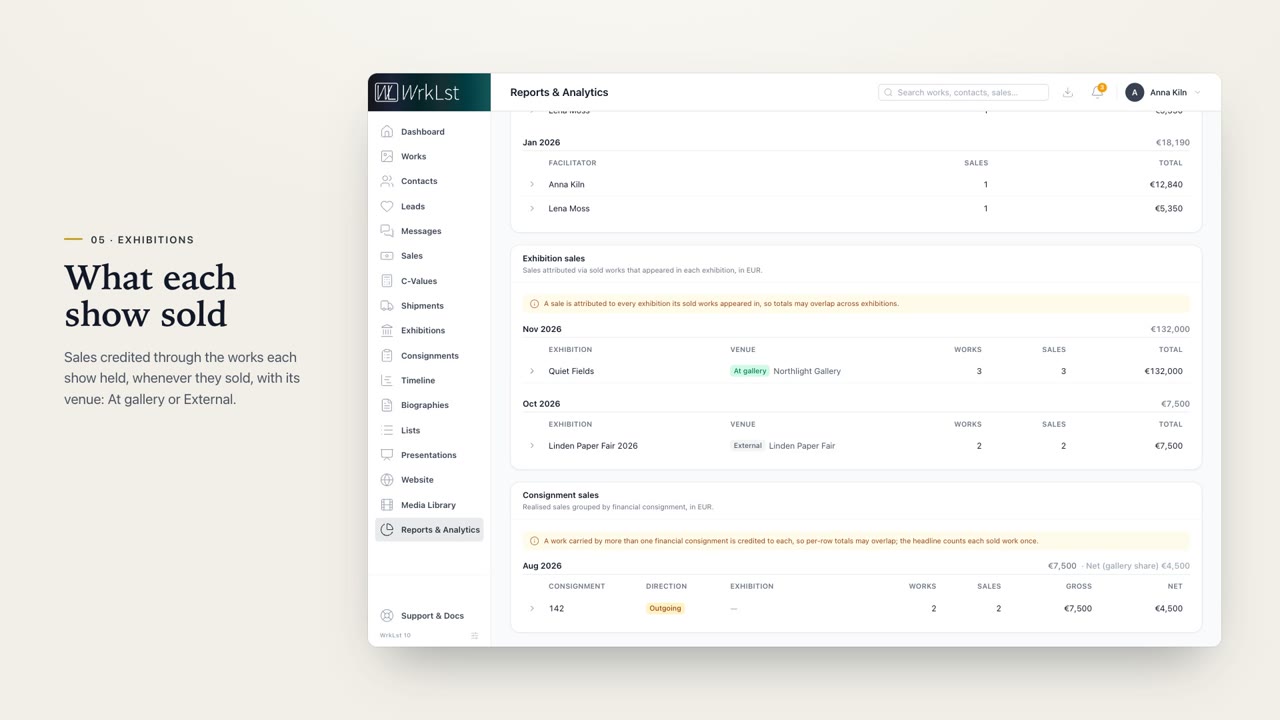 Reports & Analytics3:05Reports and Analytics in WrkLst. How your year is going, who sold what, and the sales behind the numbers.
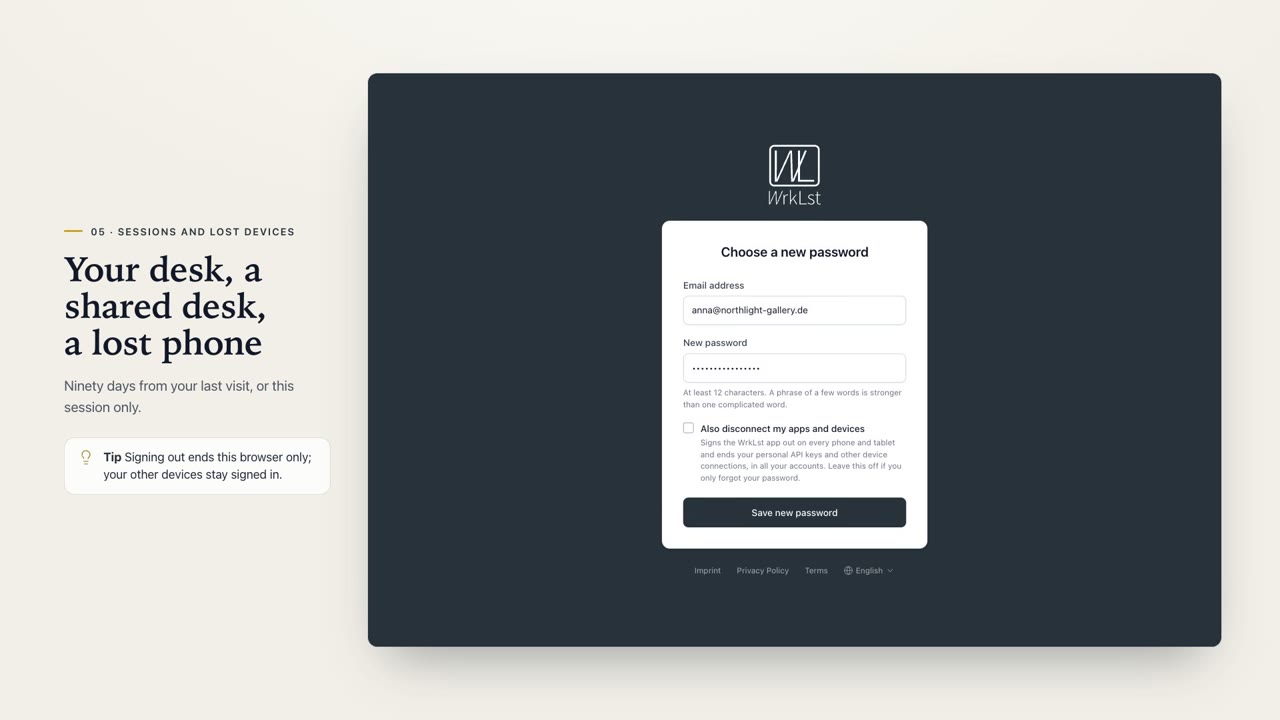 Security & privacy3:29Security and privacy in WrkLst. Where your data lives, who gets to see it, how you take it with you, and how you keep your sign-in safe.
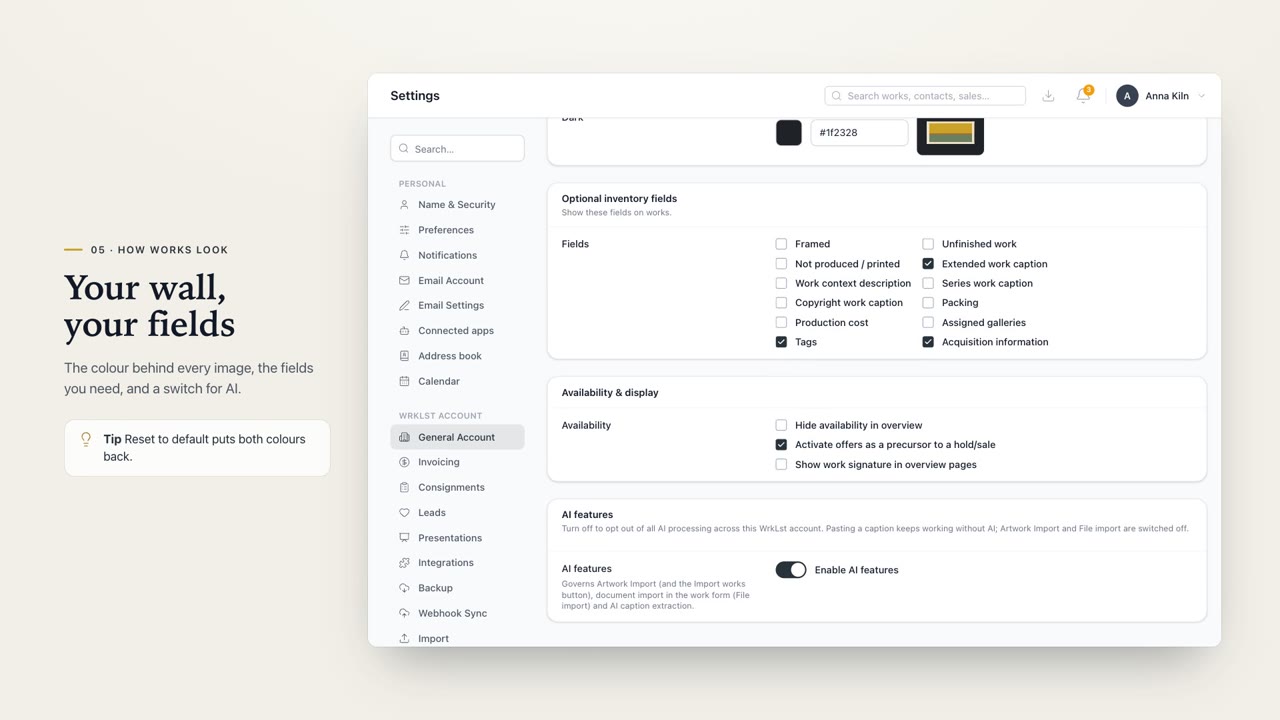 Settings3:02Settings in WrkLst. Set up your account once, the way your gallery works, and let every colleague keep their own preferences in the same place.
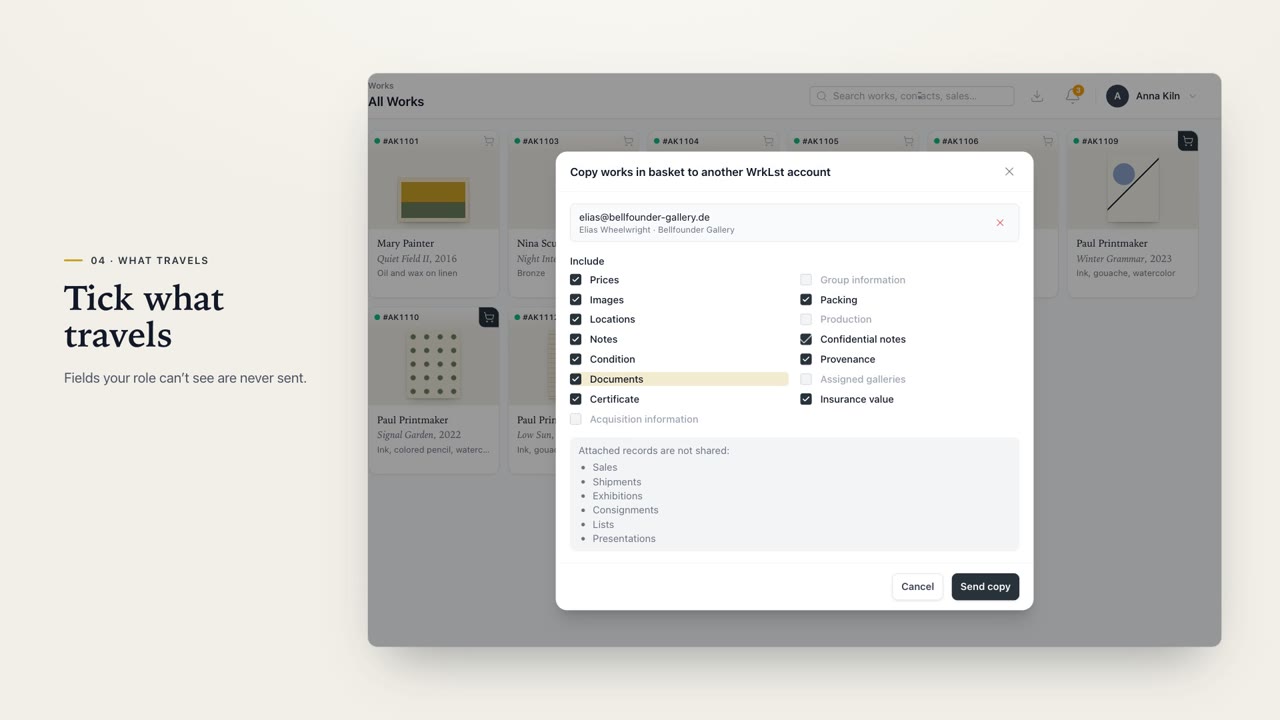 Shared copies3:00Shared copies in WrkLst. Send works to another WrkLst account in a few clicks, whether that's a second account of your own, or a gallery, artist or collector who uses WrkLst too.
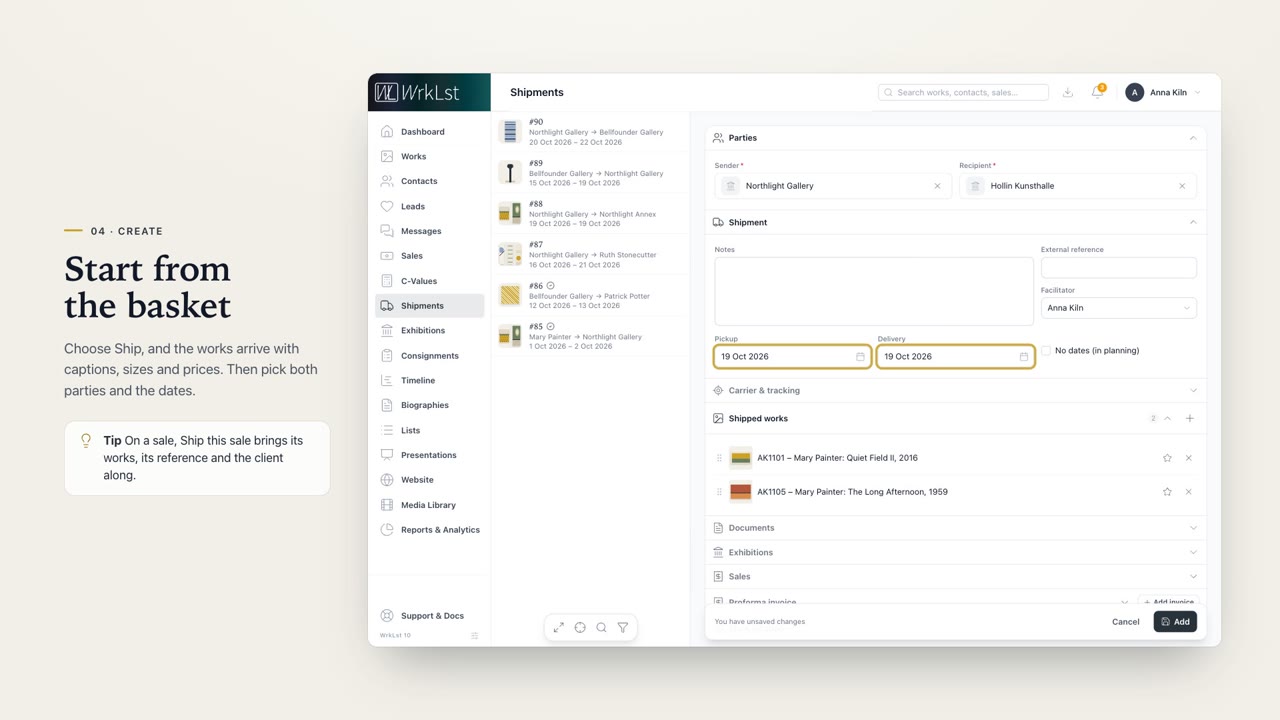 Shipments2:51Shipments in WrkLst. Know what is travelling where, follow it on its way, and have the customs paperwork ready.
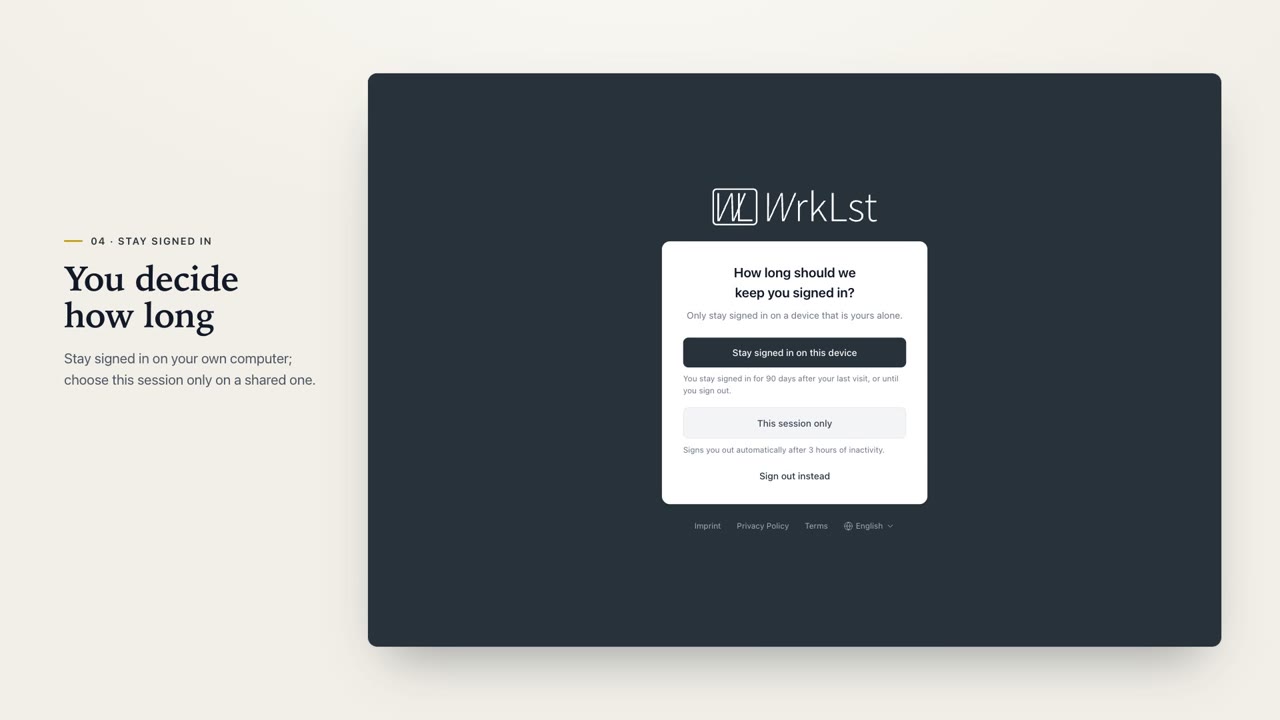 Sign-in & profile3:02Signing in and your profile, in WrkLst. One login for every account, passkeys and a second factor for safety, and you decide how long you stay signed in.
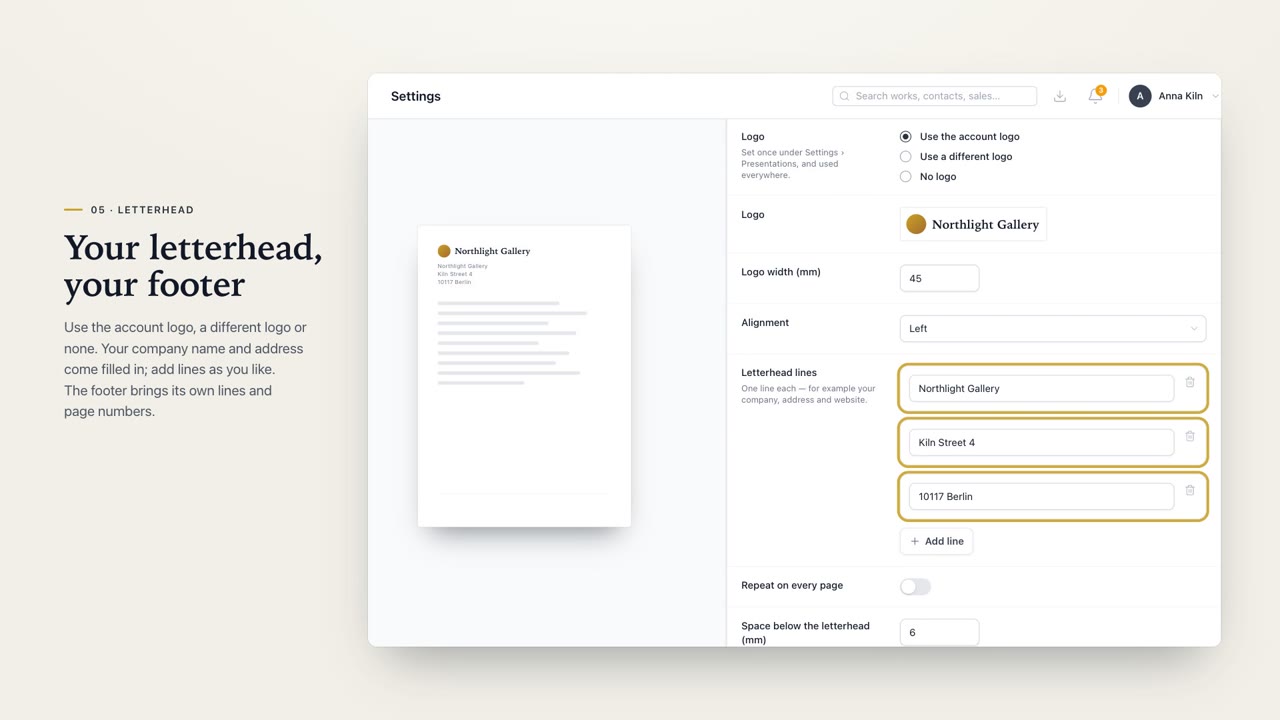 Templates2:57Templates, in WrkLst. Your own documents, from price lists to invoices, made straight from your records.
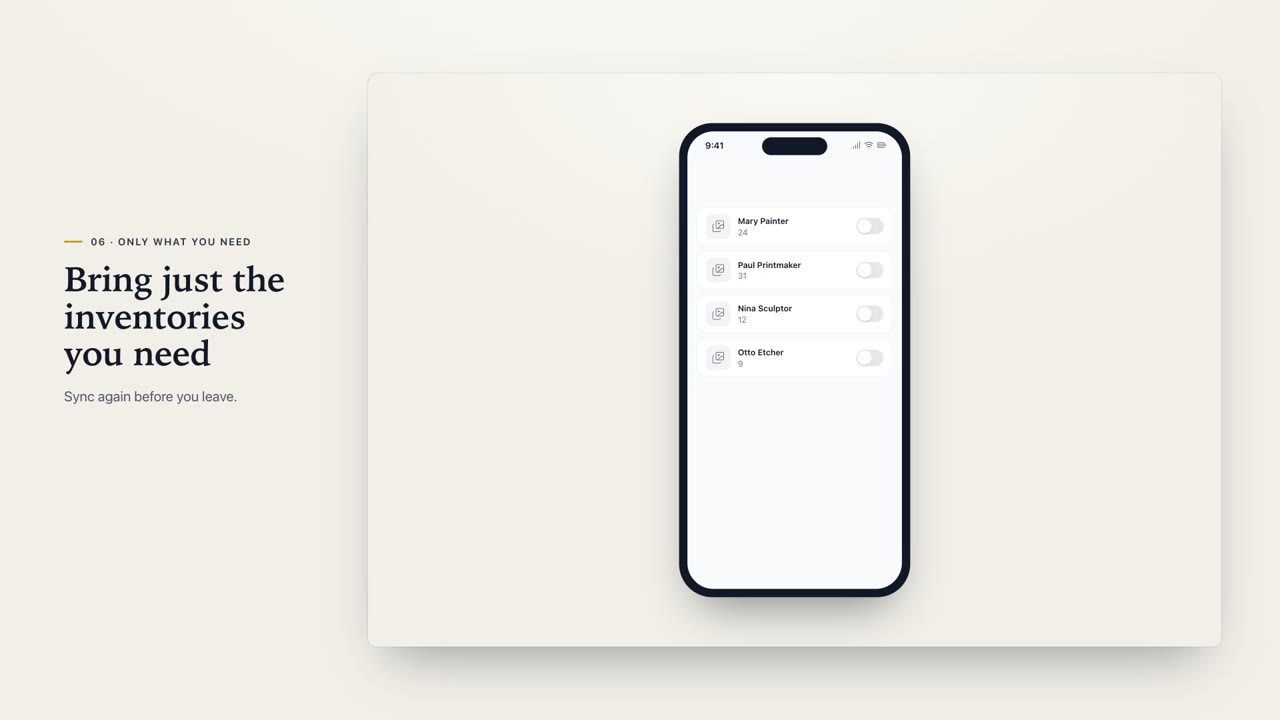 The mobile app2:38The WrkLst app for your phone and tablet. Your works, artists, exhibitions and lists in your pocket, even where the signal gives out, at a fair, in a studio or in a storage room.
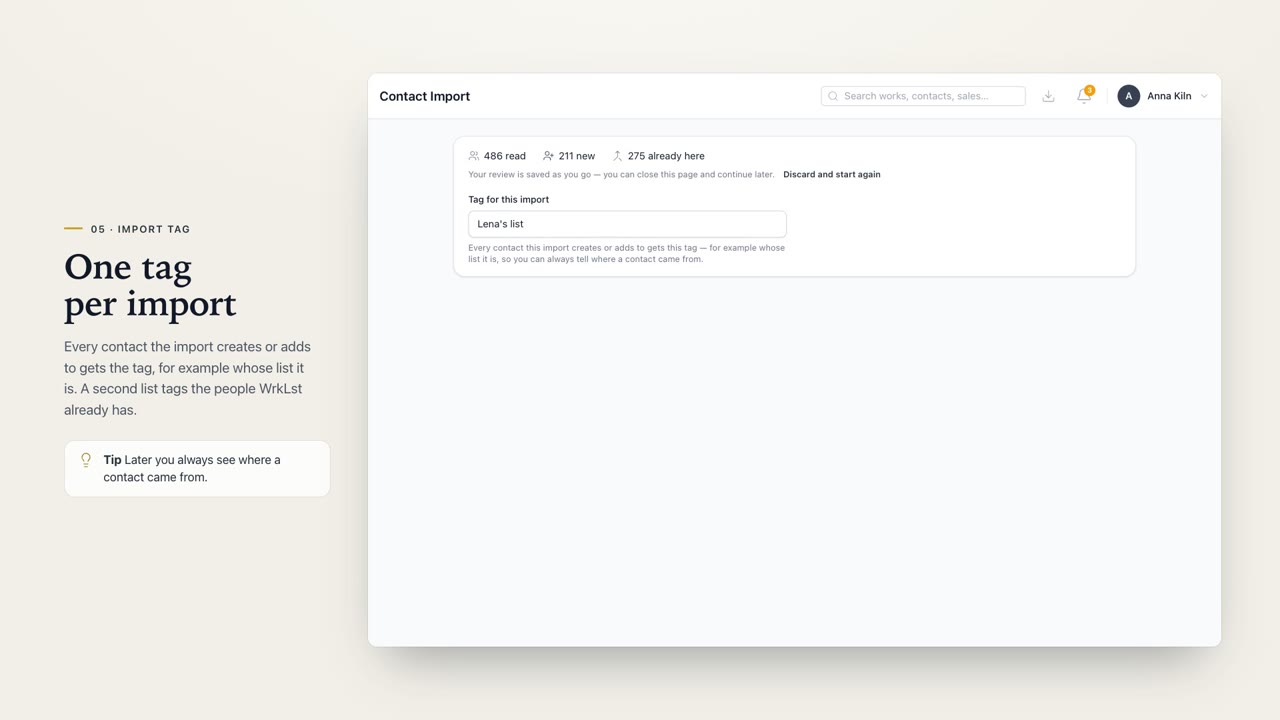 Tidy contact import3:41Tidy contact import in WrkLst. Read a big address book, sort out the doubles, check the email addresses, and bring in only the people worth having.
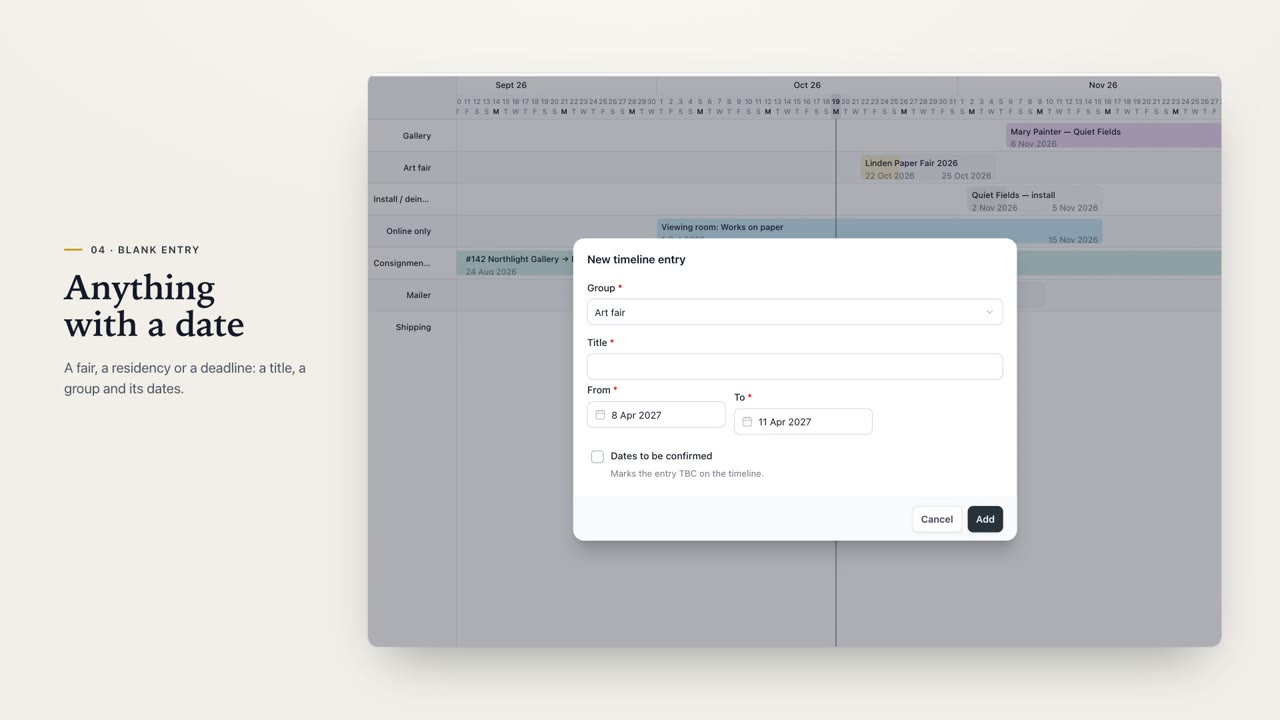 Timeline2:52The WrkLst Timeline. Exhibitions, fairs and projects on one calendar, each at its real length, so you see a clash before it happens.
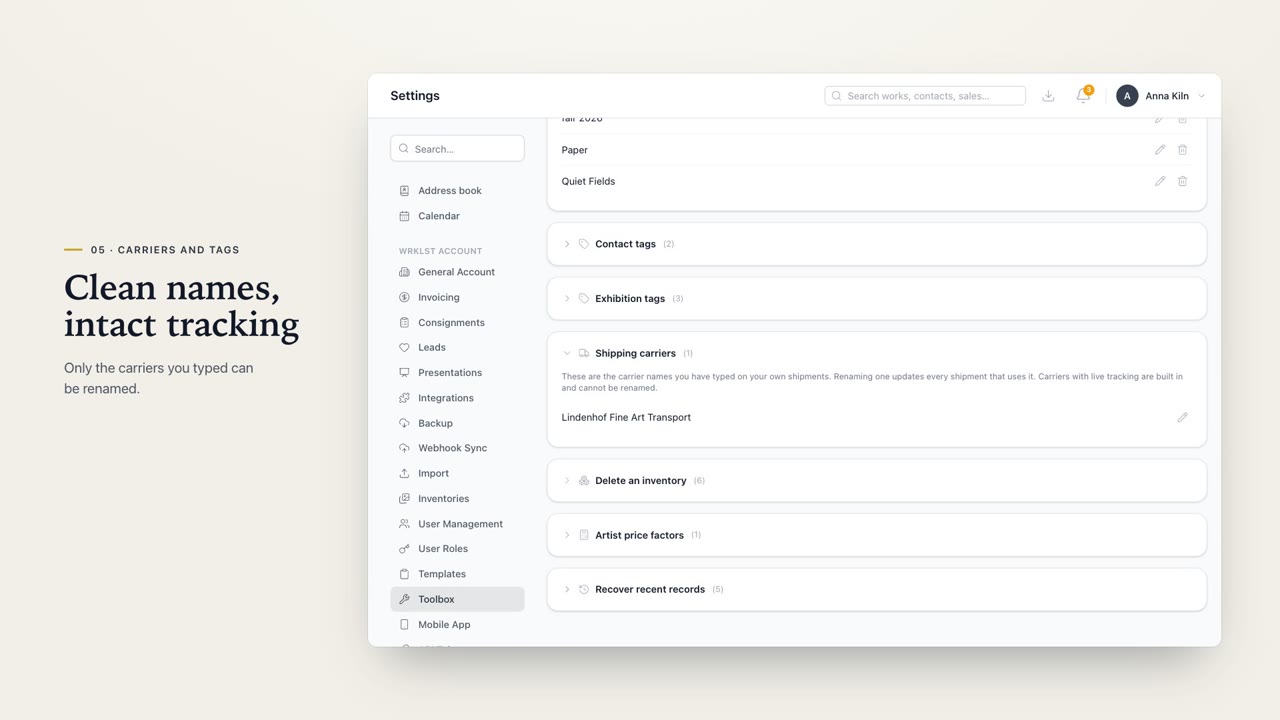 Toolbox & calendar3:15The Toolbox and the calendar feed in WrkLst. Undo a deletion, tidy up names across your whole archive, and carry your WrkLst dates into the calendar you already use.
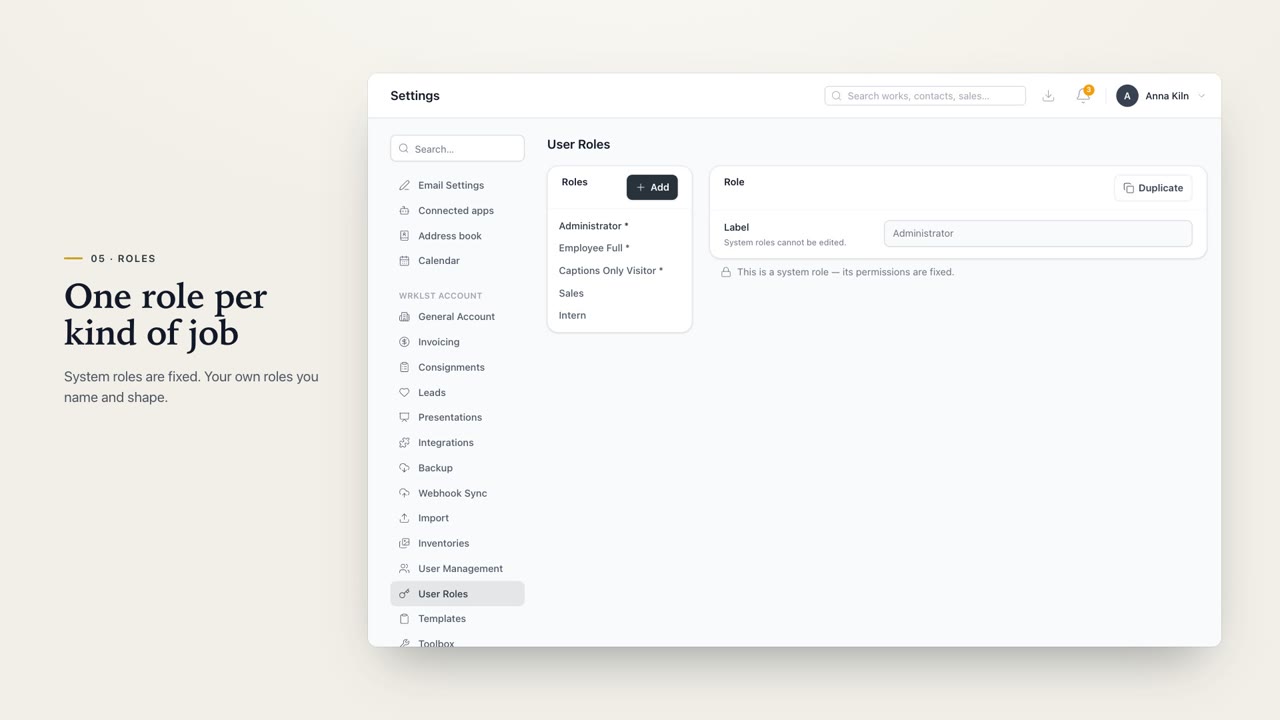 Users and roles3:09Users and roles in WrkLst. Invite your team, give everyone exactly the access they need, and see who did what in your account, and when.
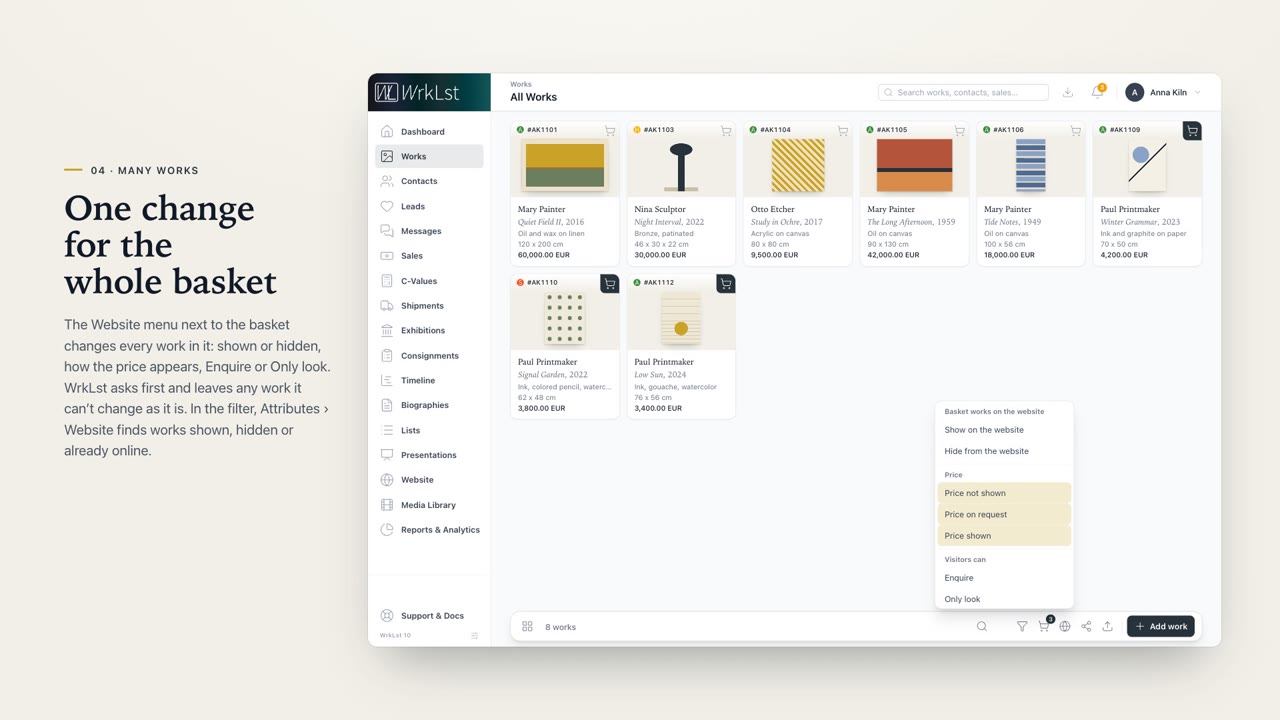 Website2:53Your website, made with WrkLst. Built from the artists, exhibitions and works you already keep.
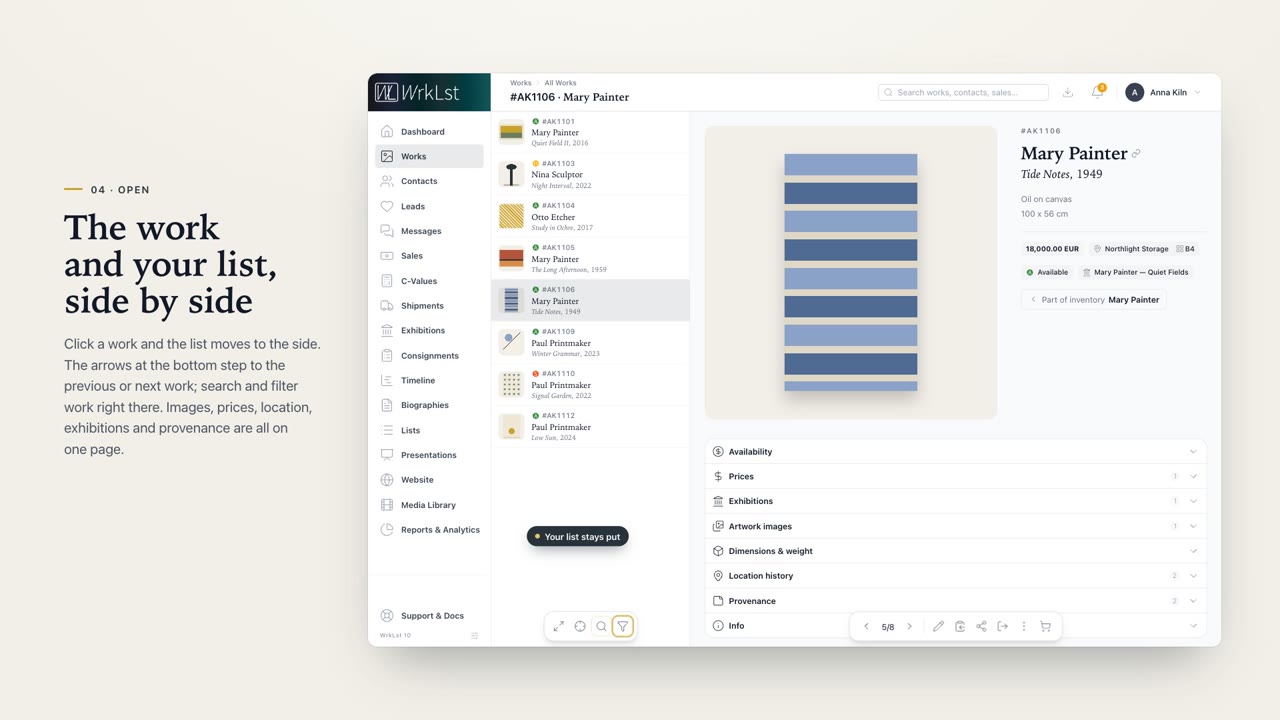 Works2:49Works in WrkLst. Every artwork in one place: easy to find, always up to date, and ready to share.
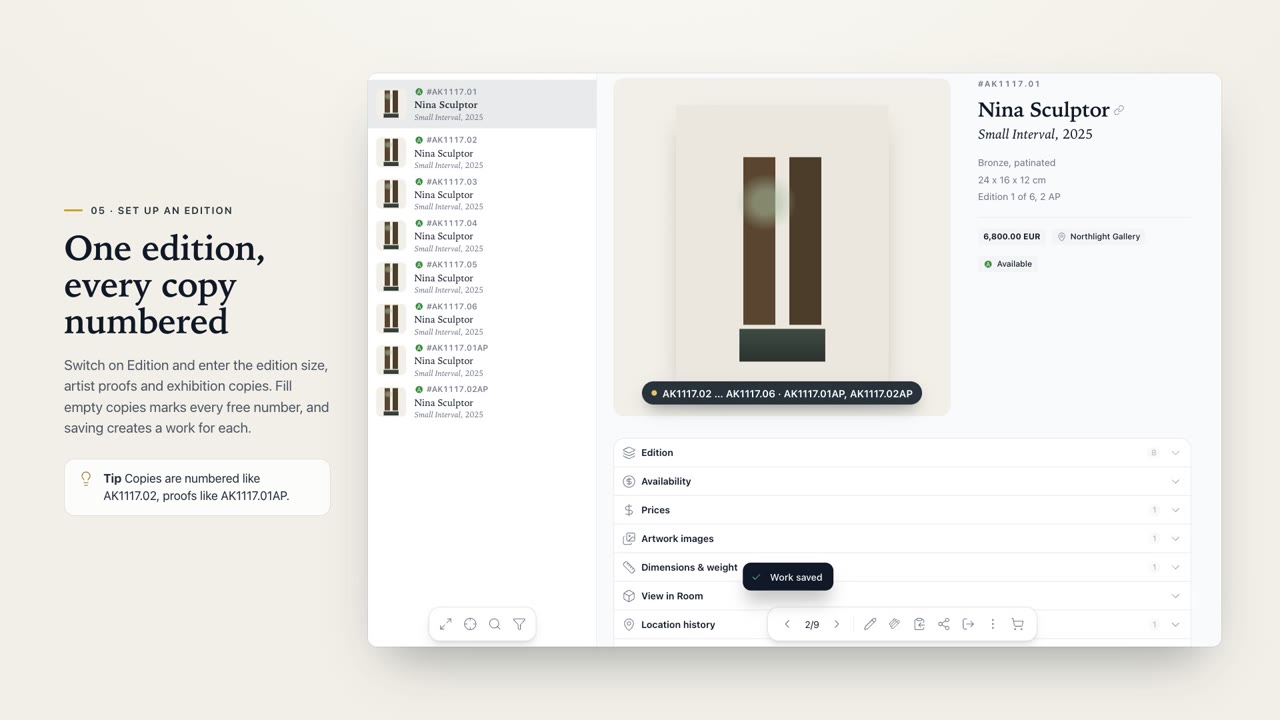 Works in depth2:48Works in depth, in WrkLst. Images, numbered editions, automatic import and View in Room: everything beyond the list.
 WrkLst in two minutes1:52WrkLst in two minutes. One place for your works, your contacts and your business, so your whole team works from the same records.